CineOperator
Don't animate a camera. Direct a camera operator.
(01) Overview
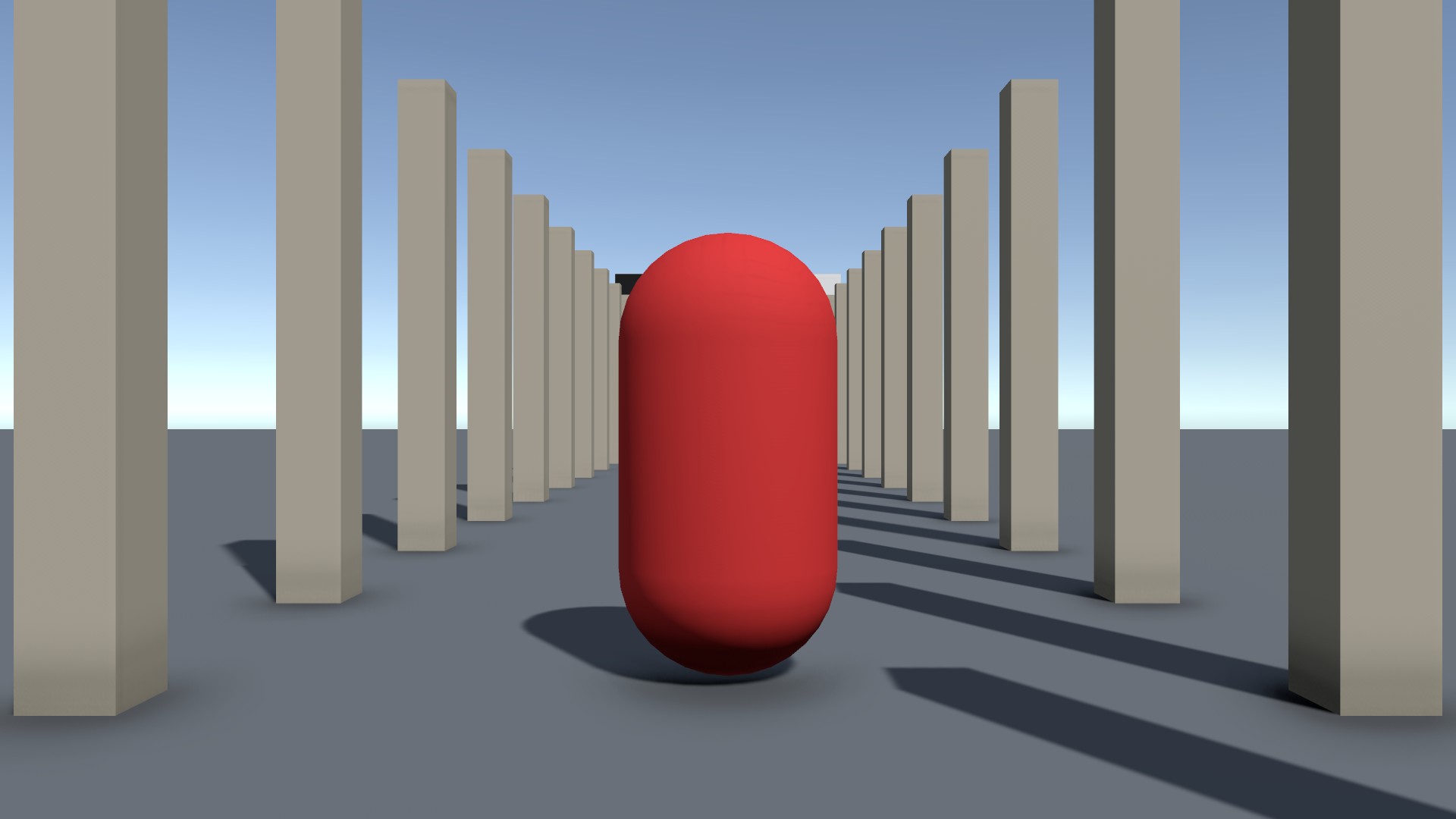
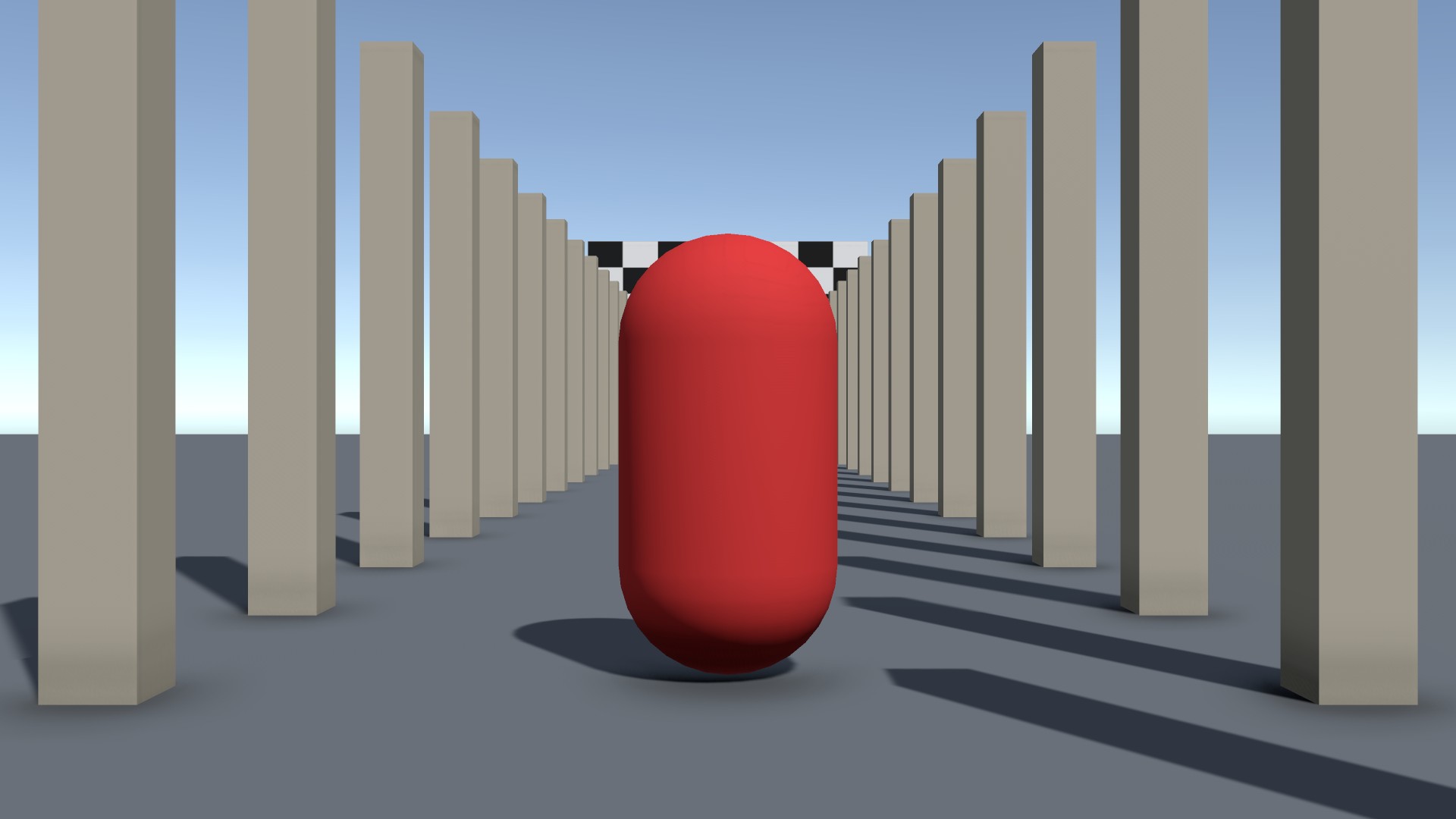
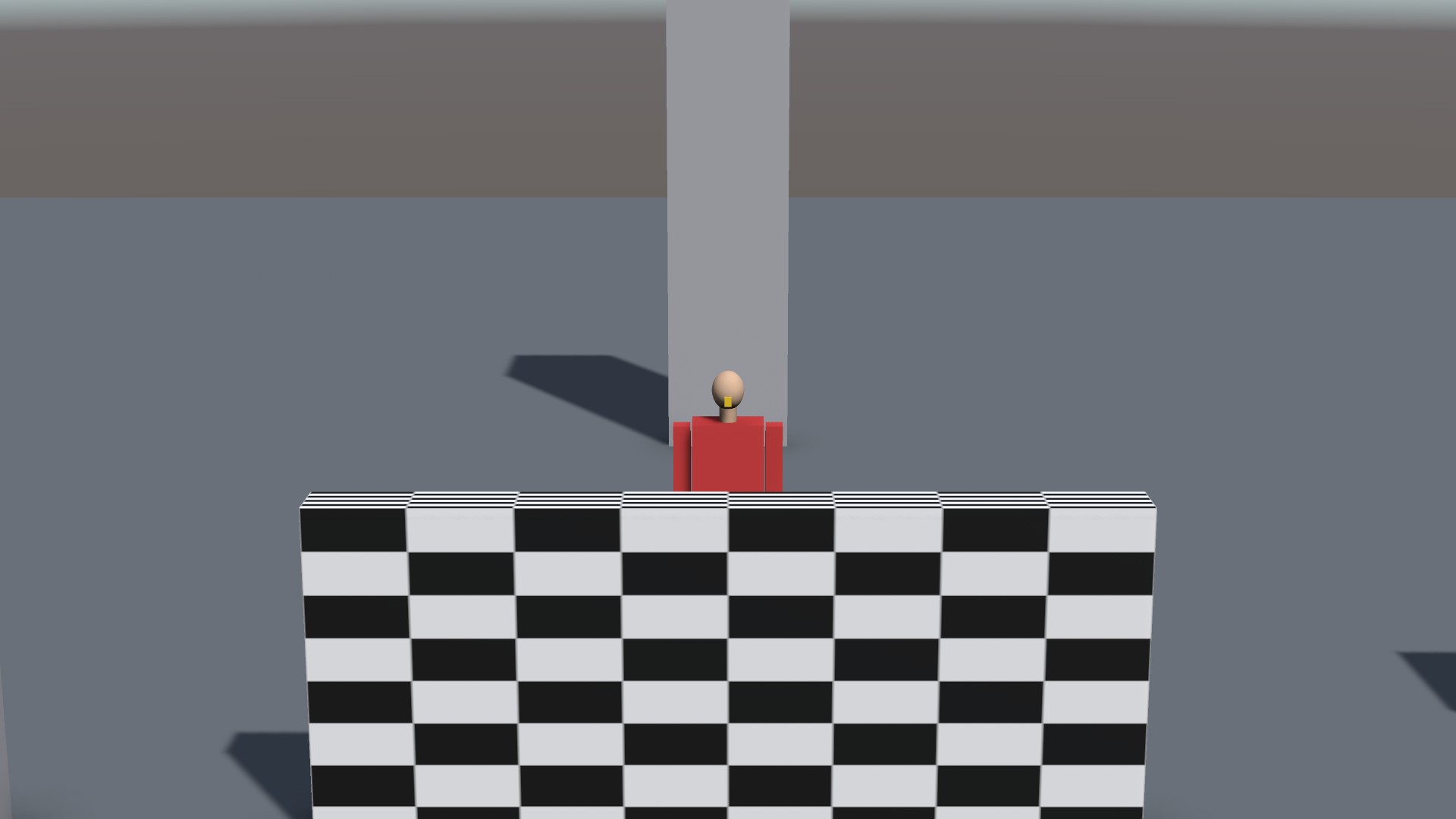
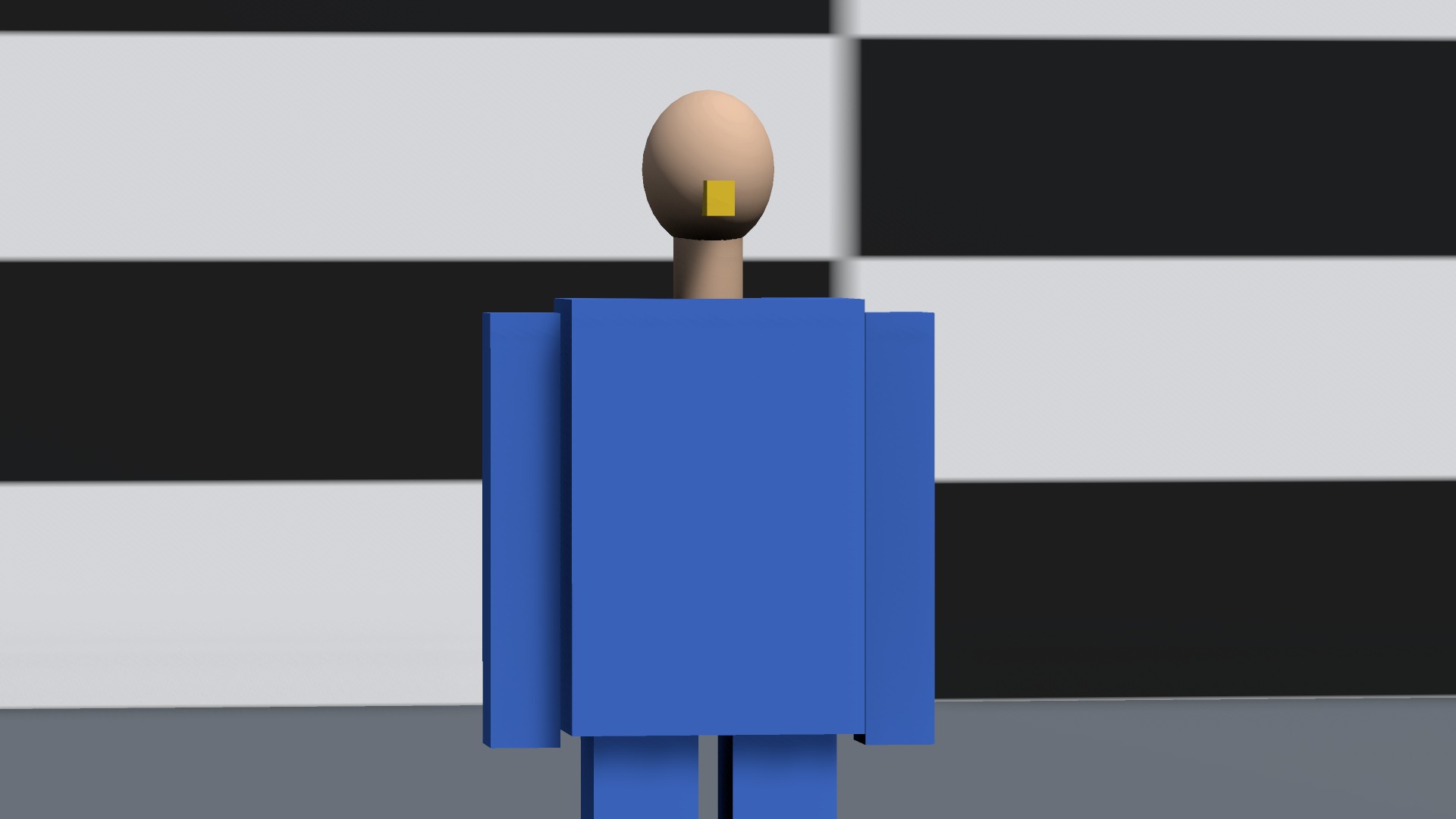
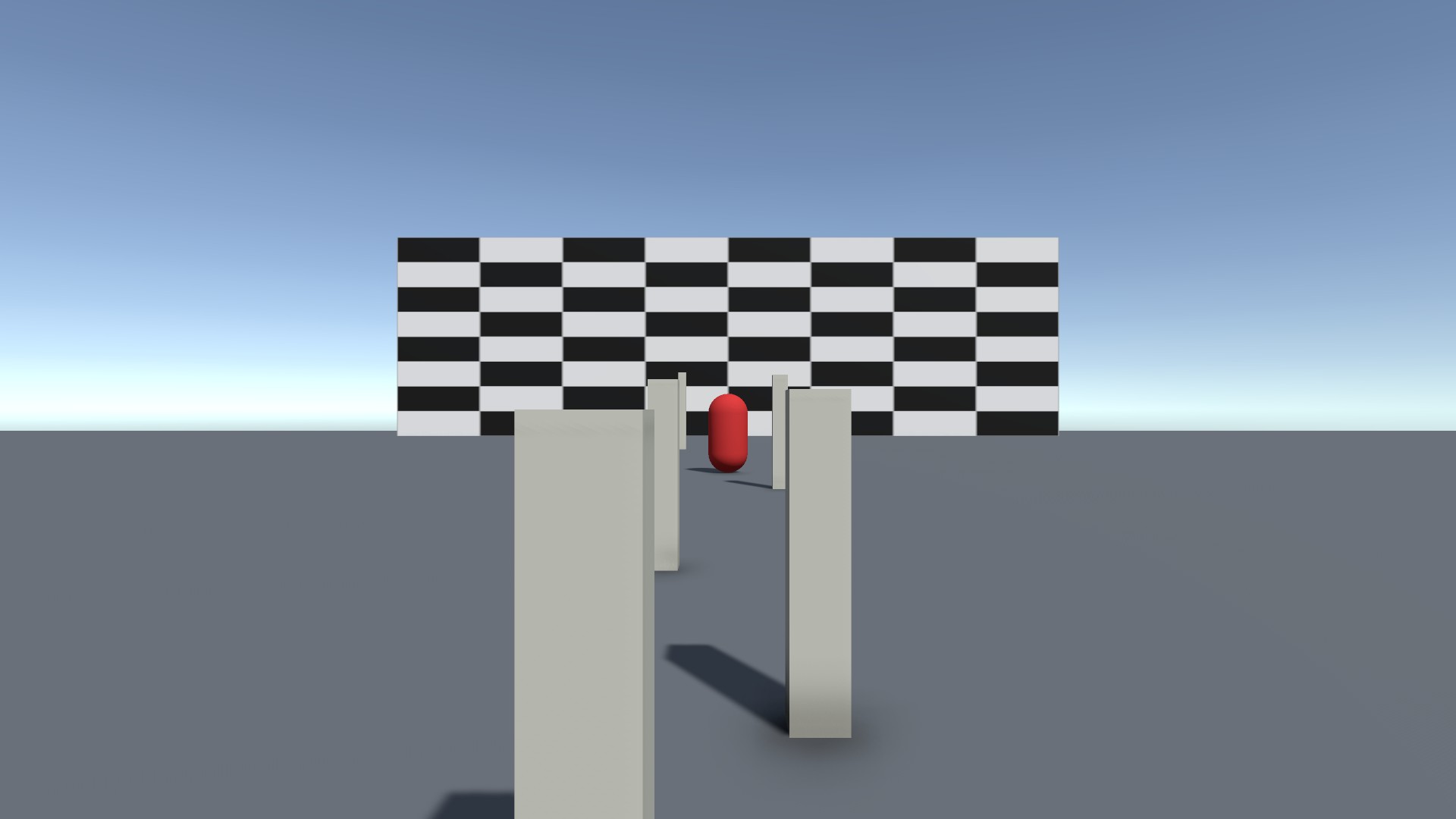
CineOperator turns an ordinary Unity camera into a camera with a crew behind it. Instead of locking onto a subject mathematically, a simulated operator reacts a little late, pans with the weight of a fluid head, anticipates, ignores small movements, overshoots and corrects. Everything is deterministic, frame-rate independent and allocation-free per frame.
- Version
- 1.0.0
- Unity
- Unity 6.3 (6000.3) or newer
- Render pipeline
- Any render pipeline — samples verified in Built-in and URP
- Scope
- Runtime + Editor
- Open from
- Tools ▸ Polynest ▸ CineOperator ▸ Camera Director
Camera operator
Aims like a person on a fluid head: reaction time, dead zone, anticipation, overshoot and correction.
Handheld
Body sway, breathing, hand tremor and the inertia of the camera's mass.
Lens and hand zoom
Focal length in millimetres on a real sensor, and a hand on the zoom ring: late, weighty, a touch past the mark and back.
Film moves
Dolly zoom, crash zoom, whip pan and rack focus — the moves a director calls for, played by a Move Controller.
Focus
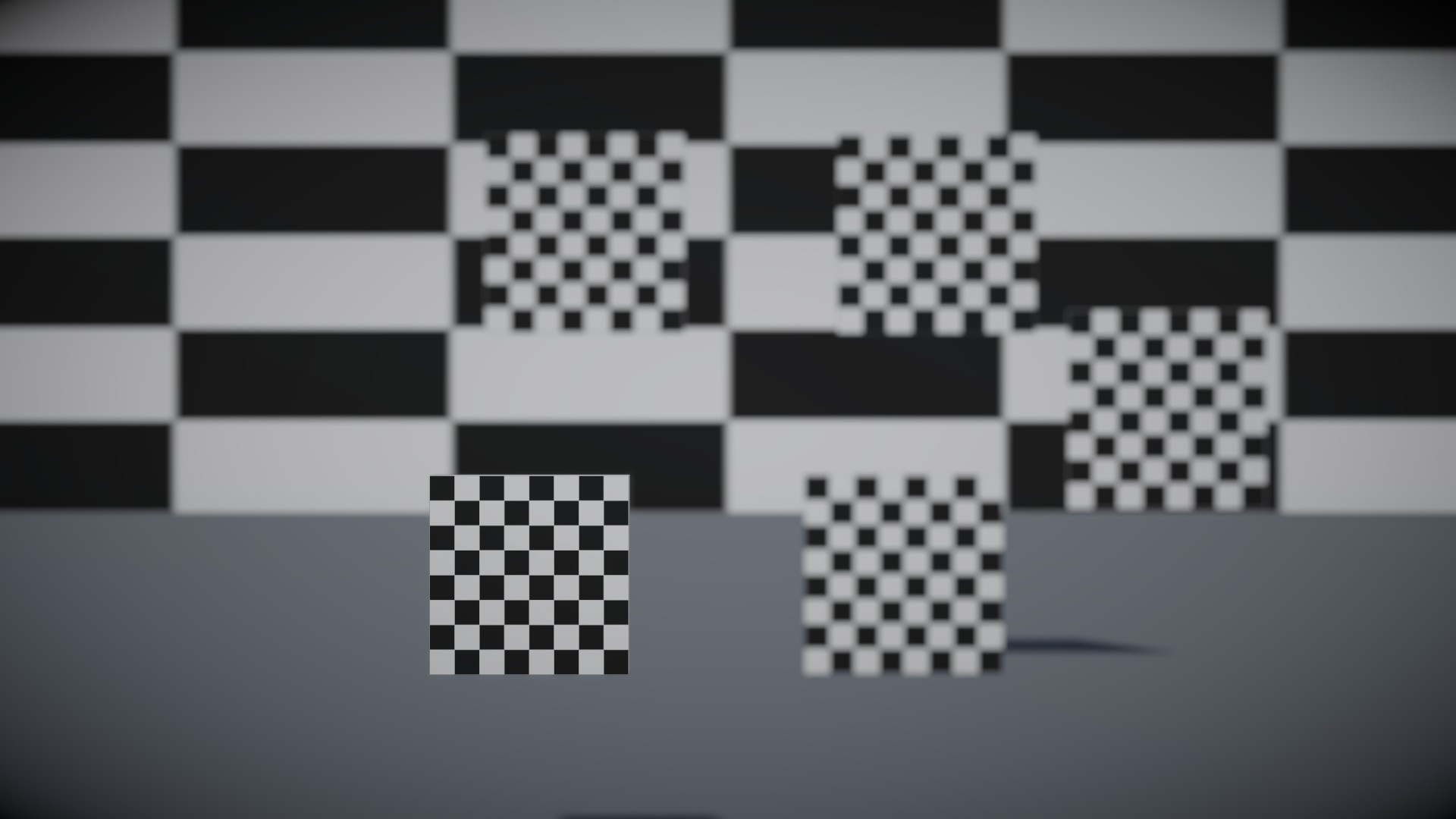
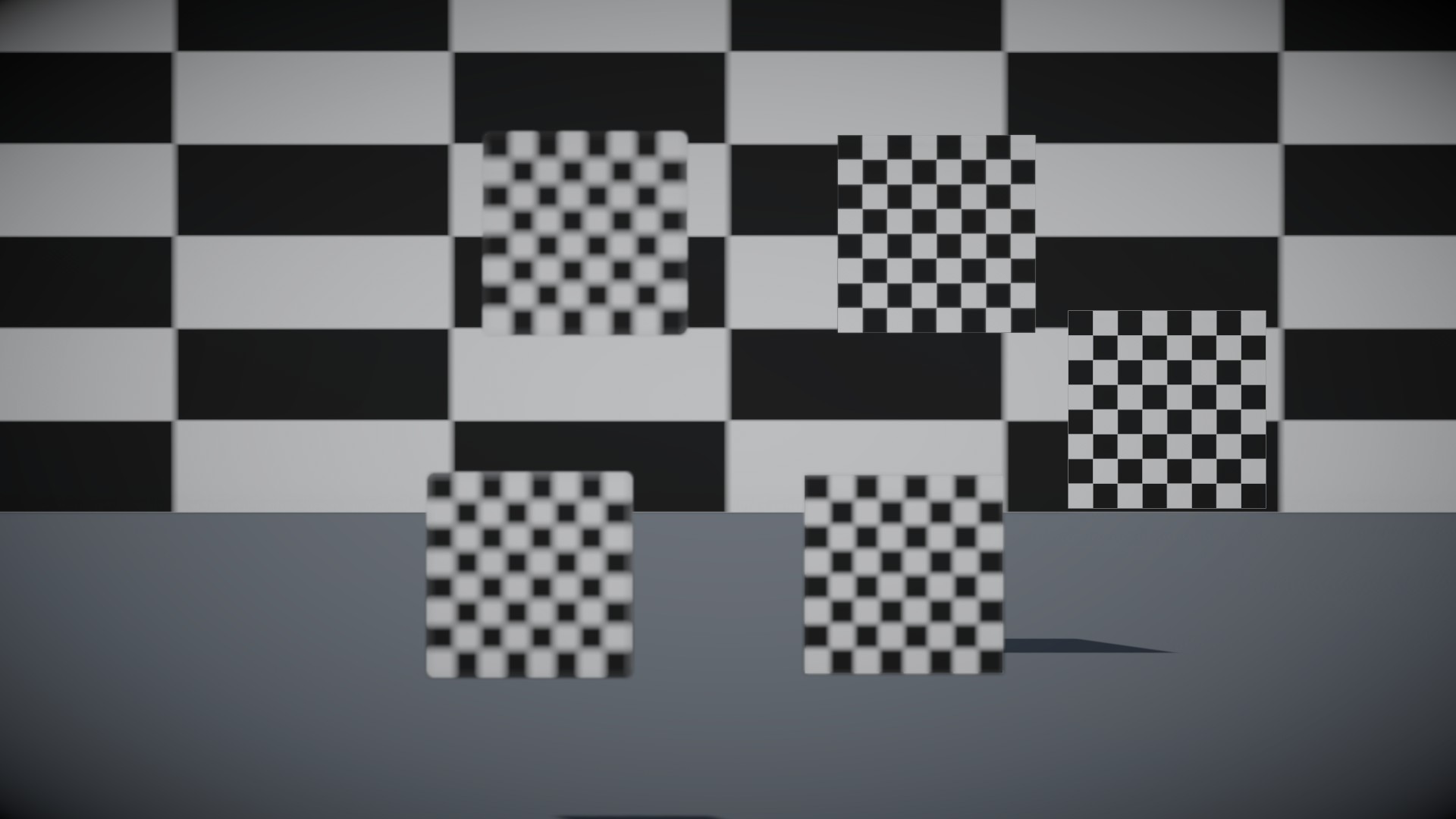
Focus distance and depth of field, pulled by a motor or by a person who misjudges distances.
Composition
Rule of thirds, headroom, eye line, lead room and shot sizes.
Rigs
A dolly on a track, a crane and a Steadicam — the camera moved by grips and operators, each with their own feel.
Takes
Record what the camera did, replay it exactly, export it as an Animation Clip.
Crew styles
One choice — Reference, Cinema, Documentary, Action, Amateur — that styles every module at once.
(02) Start here
- 1
Select a Camera in your scene. Right-click the Camera component header and choose Add CineOperator.
- 2
Drag the object you want to film into the Target of the new Cine Camera.
- 3
Press Play. The operator frames the subject — and lets it drift, reacts late, overshoots and corrects.
(03) Good to know
- Needs no other package and does not depend on a render pipeline.
- URP depth of field, Timeline tracks and the Cinemachine adapter compile only when those packages are installed.
- Twenty demo scenes, one per feature. The Samples and Tests folders can be deleted without affecting the package.
Next plugin
Level Builder