Real Projector
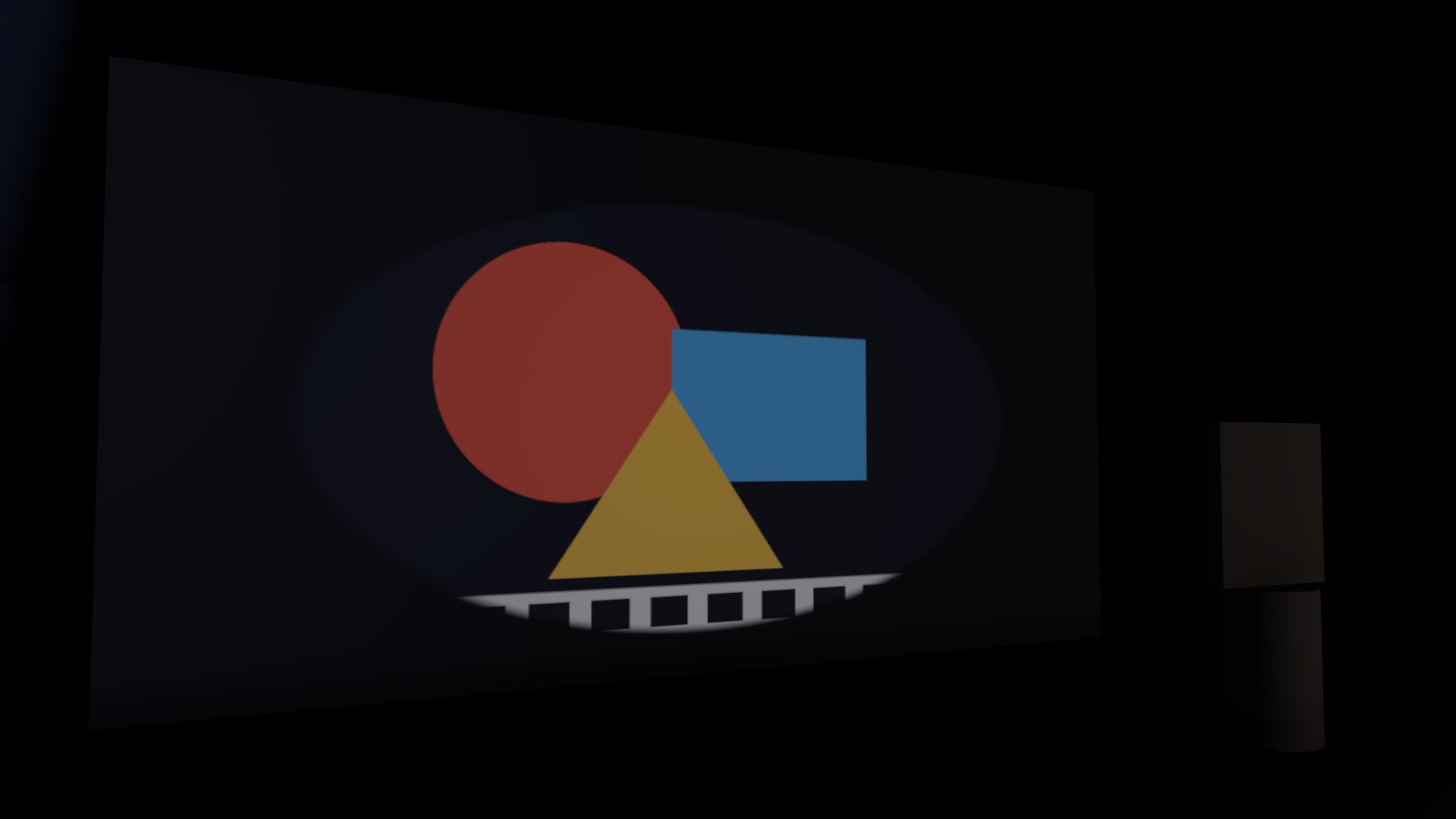
A projector that puts a texture or a video onto scene geometry — and gets occlusion right.
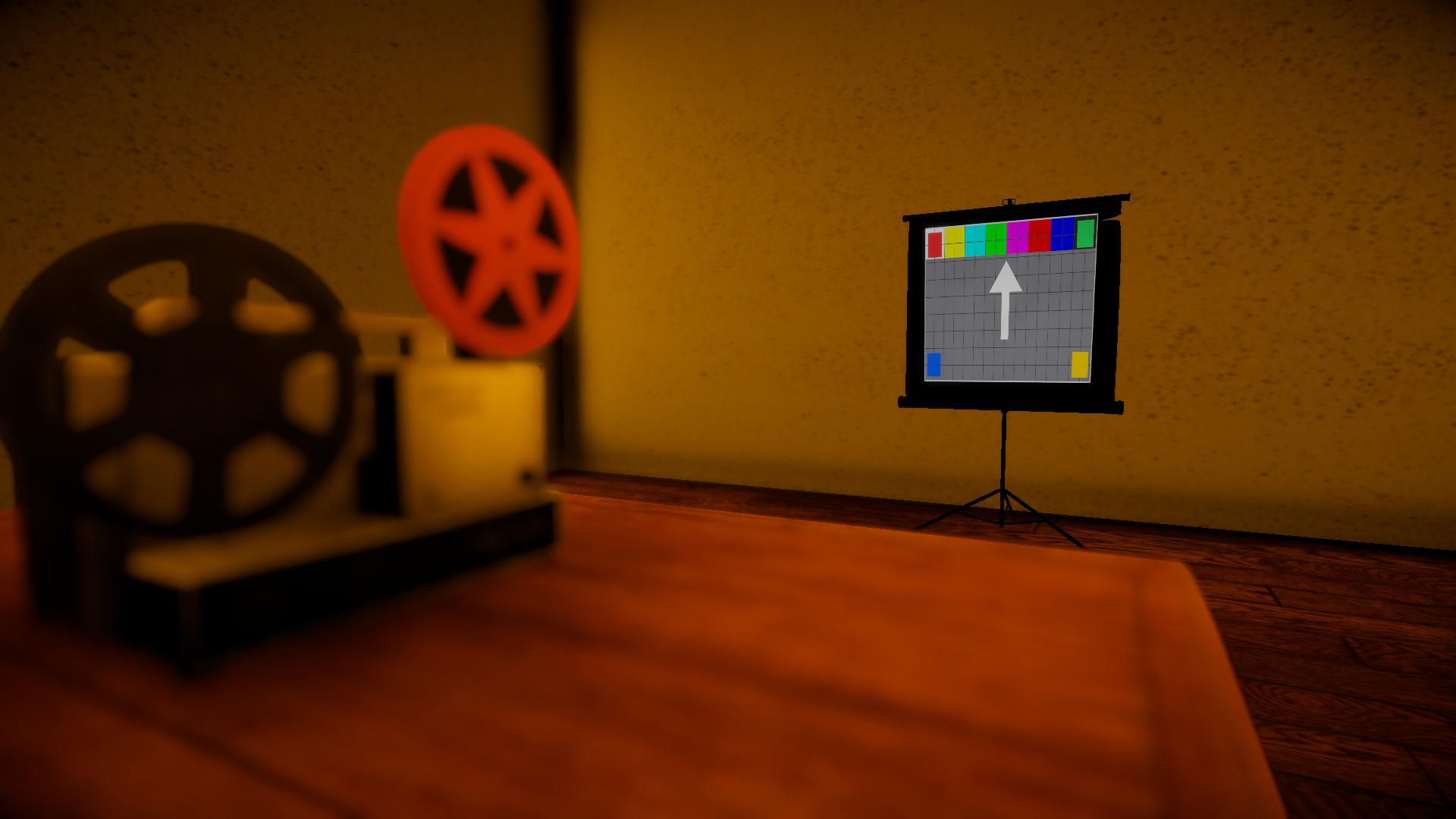
(01) Overview
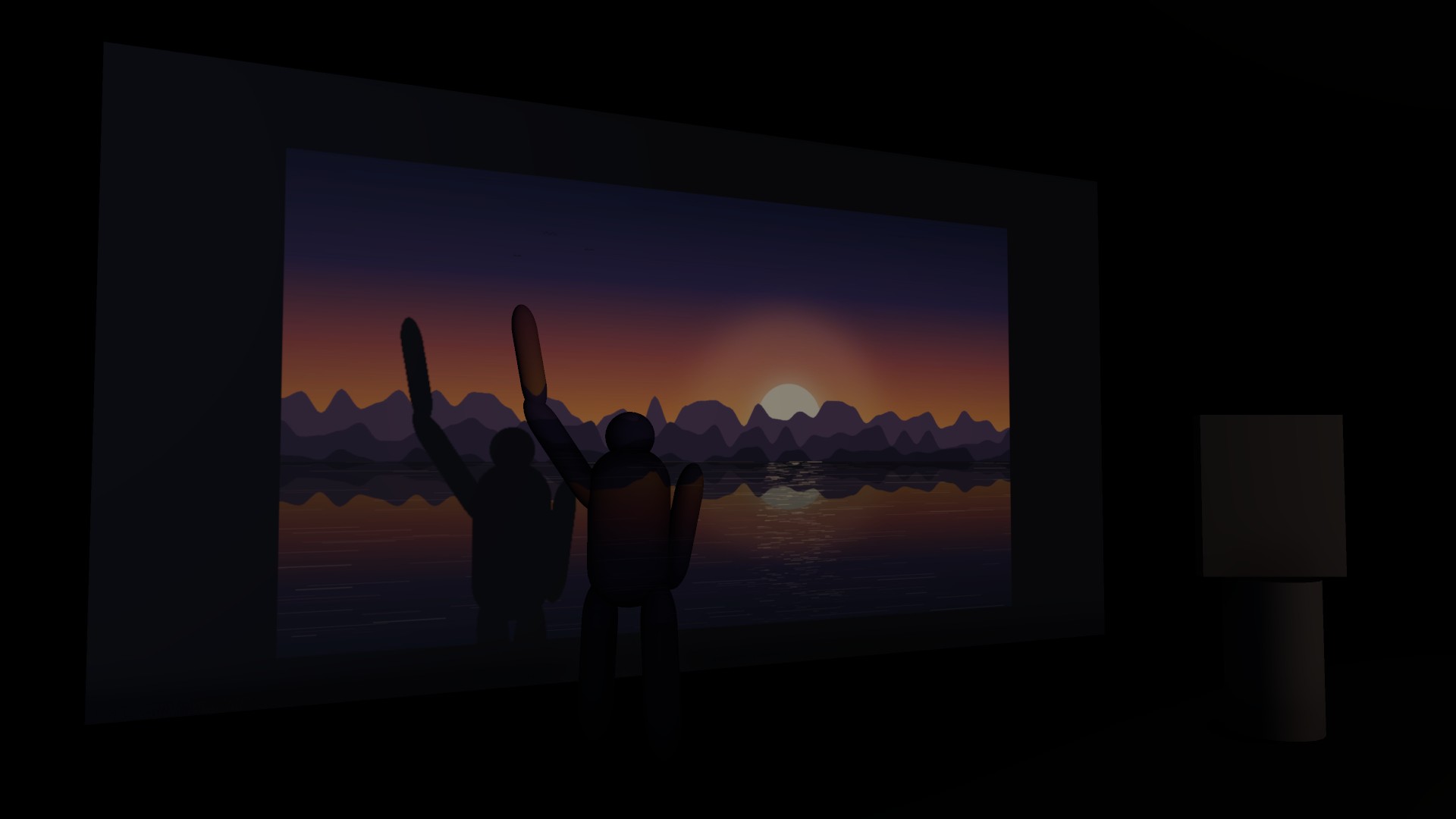
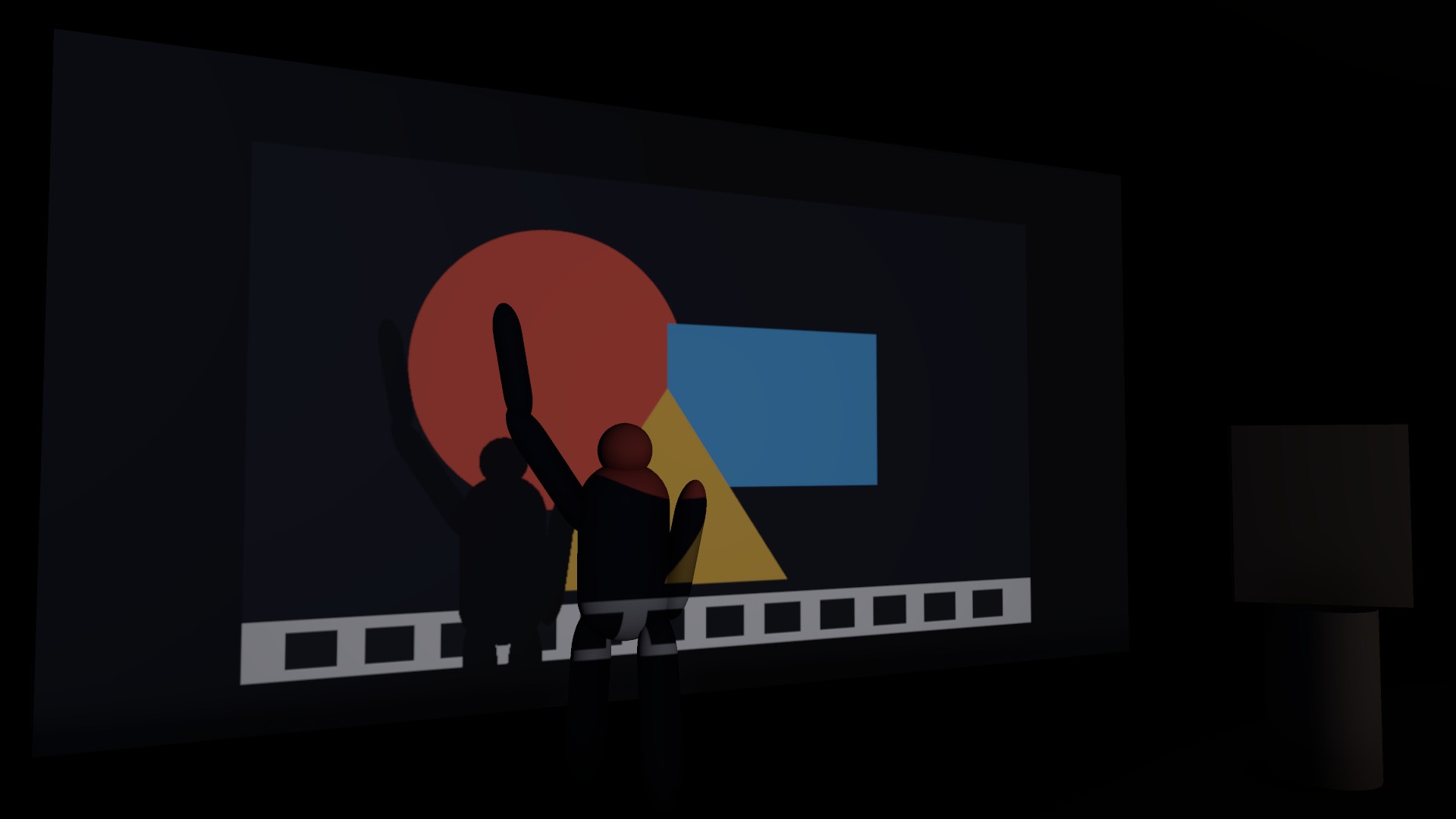
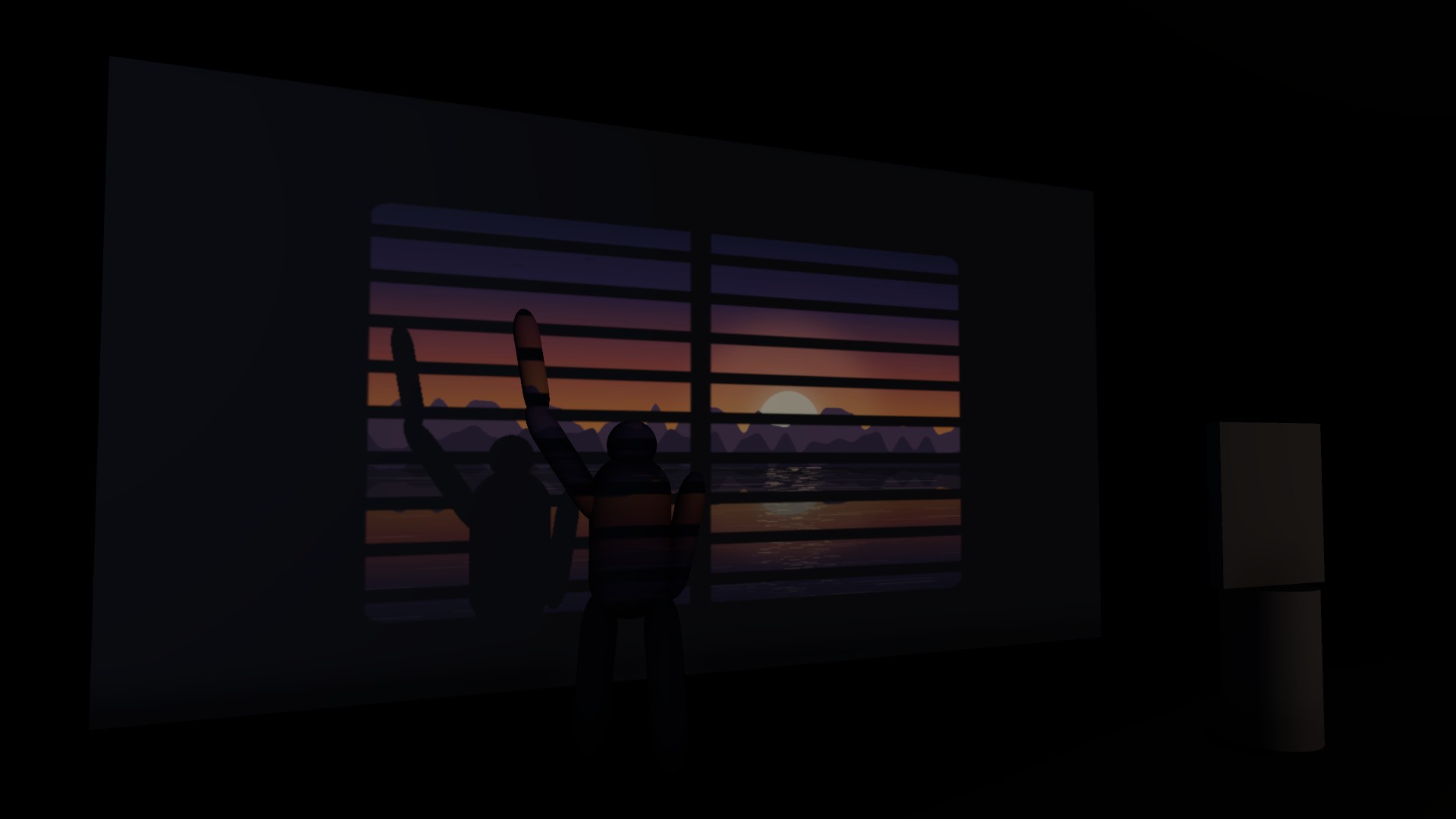
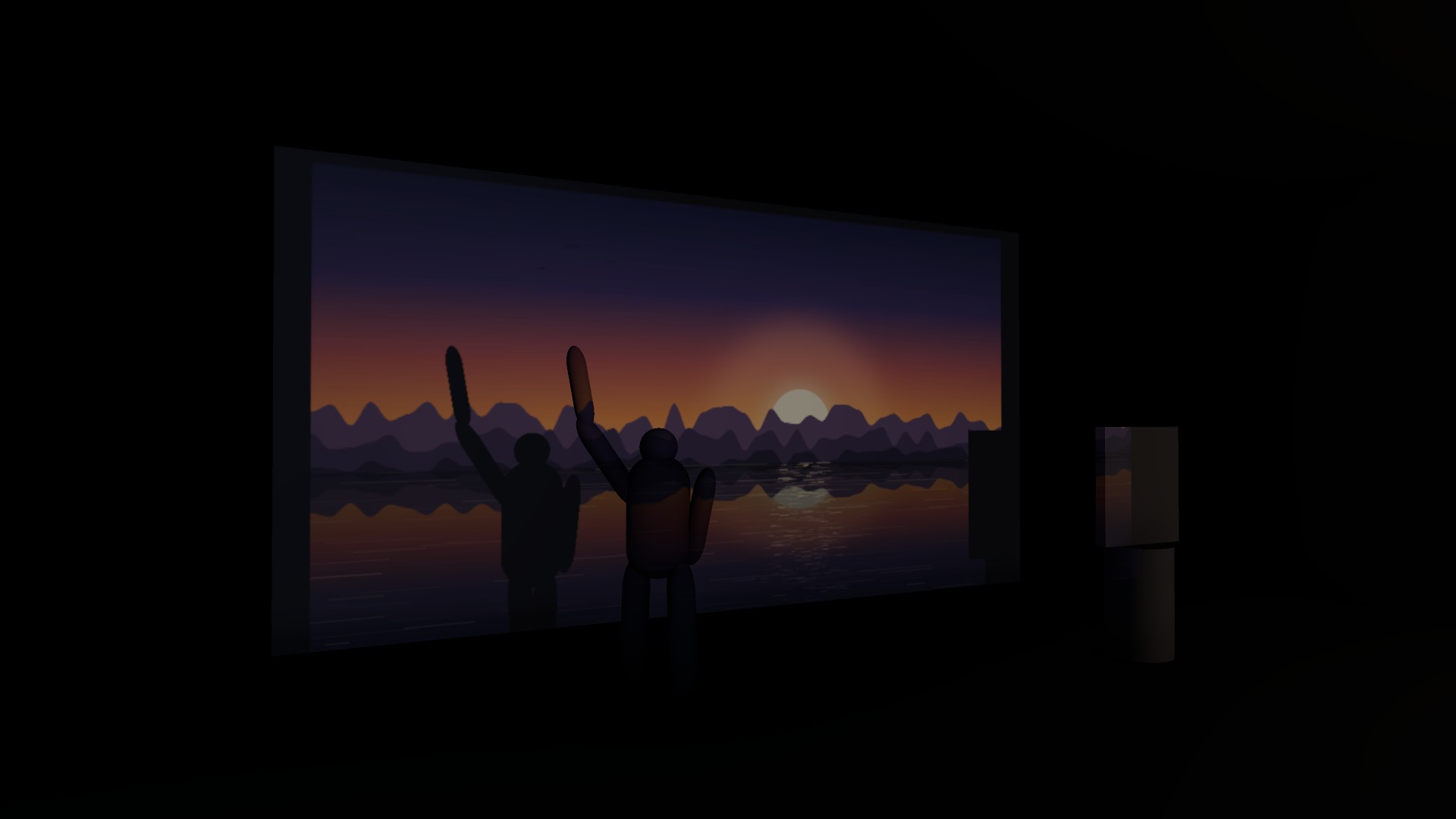
The component drives a Spot Light and feeds it a cookie composed every frame. The spot light already renders a shadow map, so occlusion costs nothing extra and is physically consistent with the rest of the lighting — unlike a legacy Projector or a decal, which shine straight through geometry.
- Version
- 1.0.0
- Unity
- Unity 6.3 LTS or newer
- Render pipeline
- Universal Render Pipeline
- Scope
- Runtime + Editor
- Open from
- GameObject ▸ Light ▸ Real Projector
- Price
- $19.99
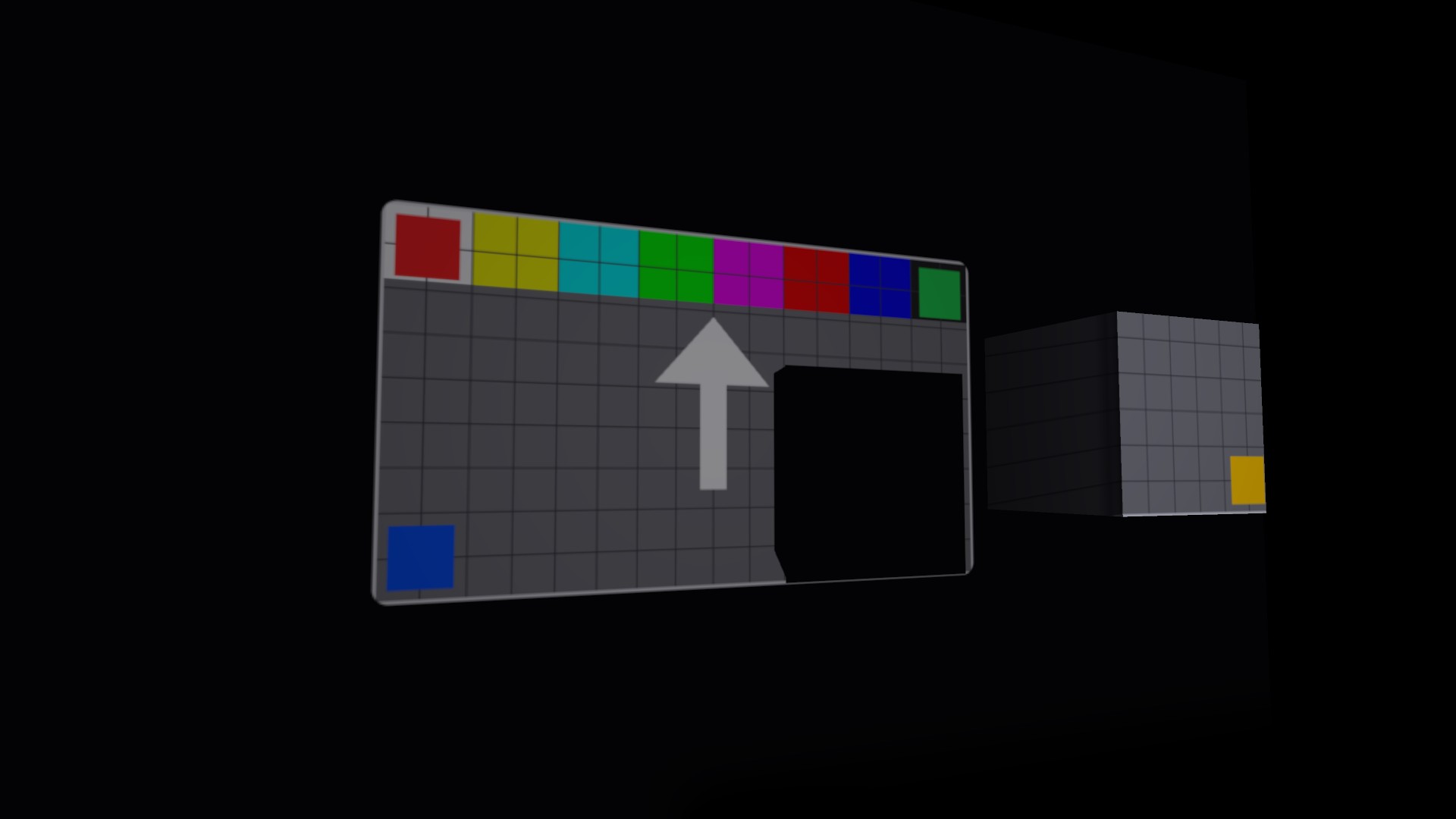
Real occlusion
Objects between the projector and the surface cast genuine shadows.
Optics in human terms
Throw distance, image width, aspect ratio, throw ratio — not spot angles.
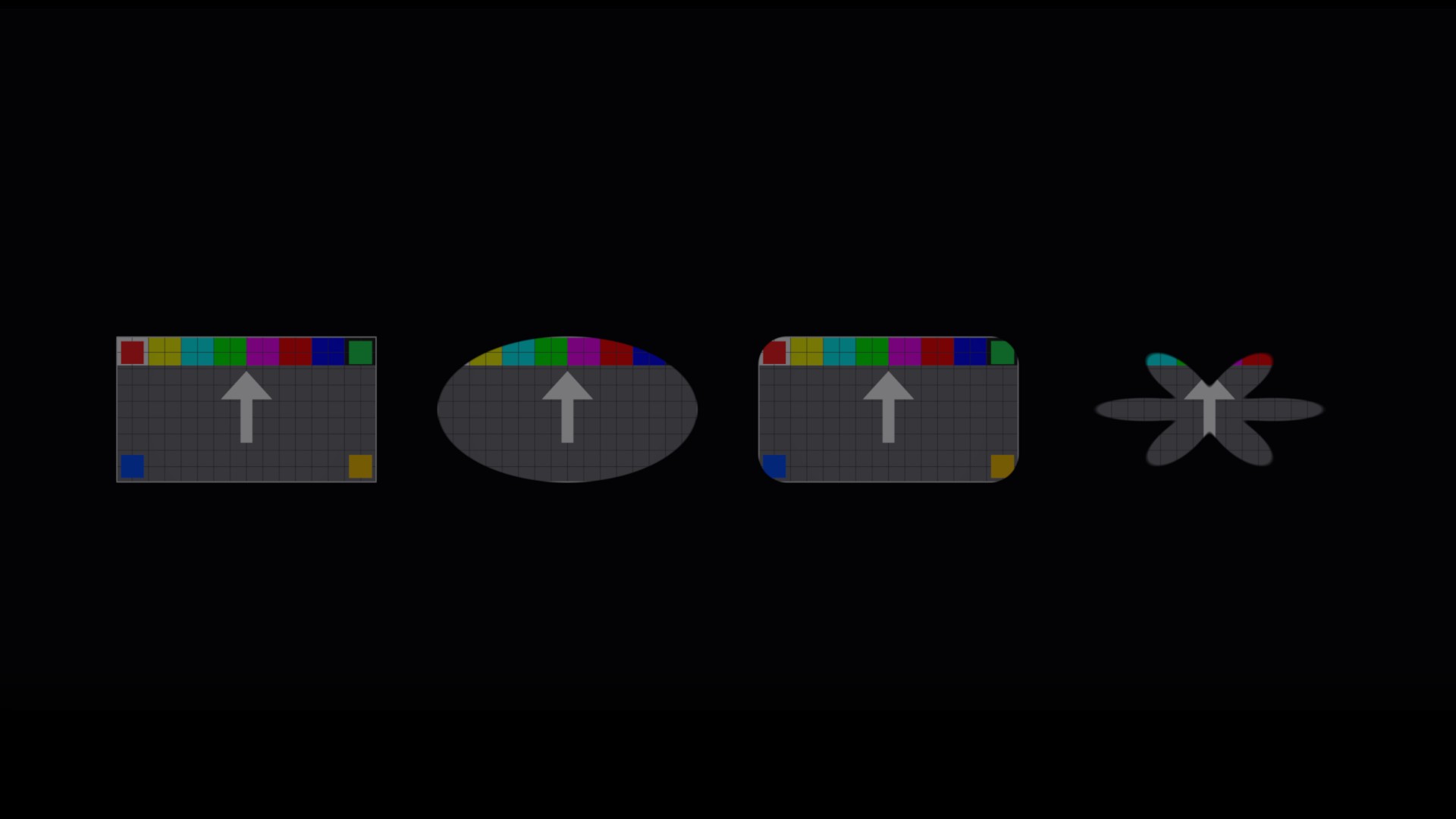
Shapes
Rectangle, ellipse, rounded rectangle, or your own mask texture.
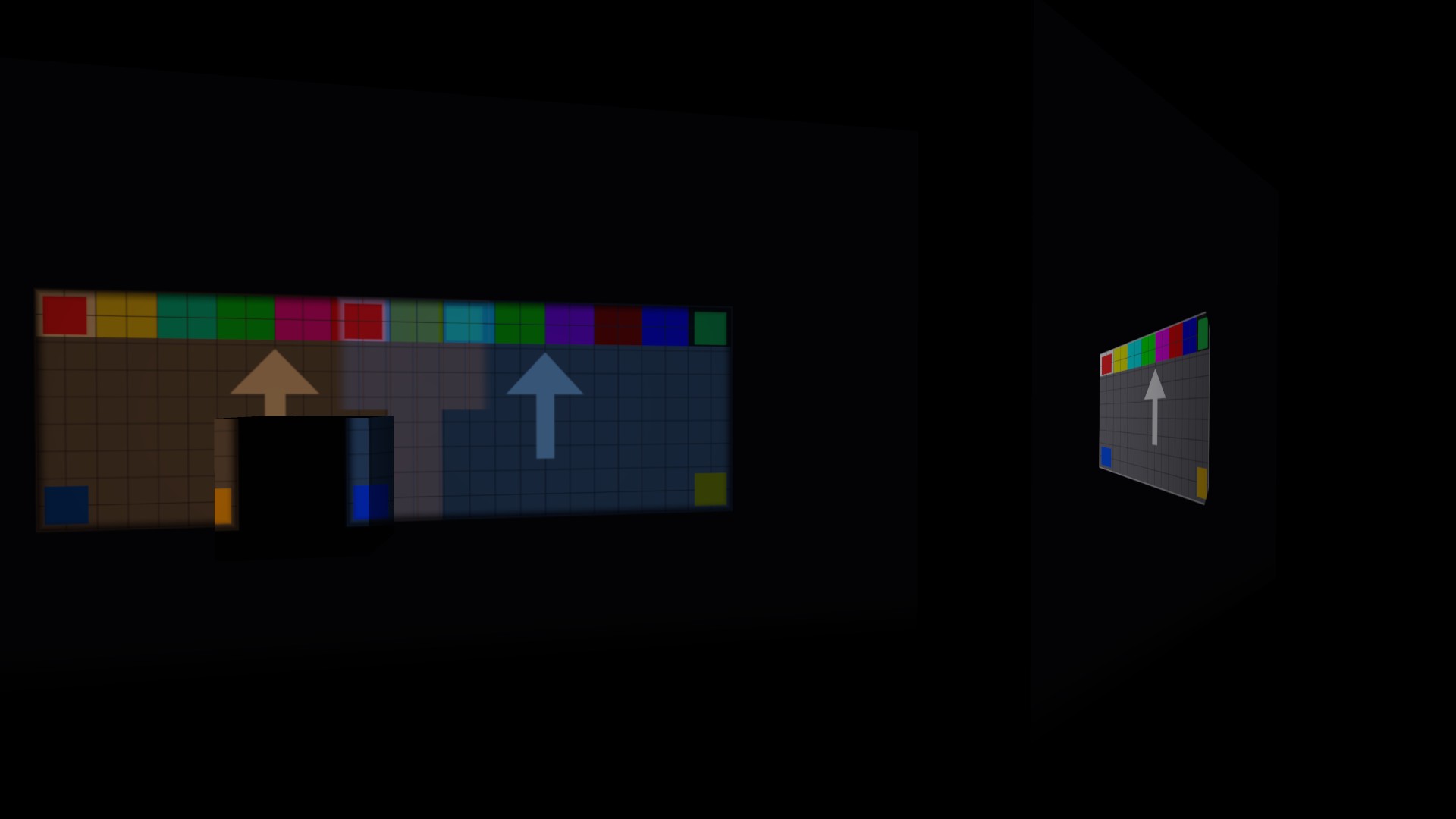
Keystone correction
For surfaces you are not square to, plus horizontal and vertical flip for rear projection and ceiling mounting.
Sources
Still texture, VideoPlayer, or any render texture you fill yourself.
Scene view handles
Drag the throw distance and image width in place, and see where the image actually lands.
Setup validator
Finds the render pipeline settings this depends on and fixes them.
(02) Start here
- 1
Run Tools ▸ Polynest ▸ Real Projector ▸ Check Render Pipeline Settings — fixes are one click away.
- 2
Open Demo Scenes ▸ 01 Quick Start.
- 3
Press Play, or just drag the cube through the beam — the projection updates in edit mode too.
(03) Good to know
- A projector adds light, so the image only reads on a surface that is not already brightly lit — build for a dark environment.
- The sharpness of a shadow's silhouette is limited by the shadow map, not by the cookie resolution.
- The Built-in Render Pipeline and HDRP are not supported in 1.0.
Next plugin
Scene Doctor