Scene Organizer
Set the rules once. Keep large scenes in order.
(01) Overview
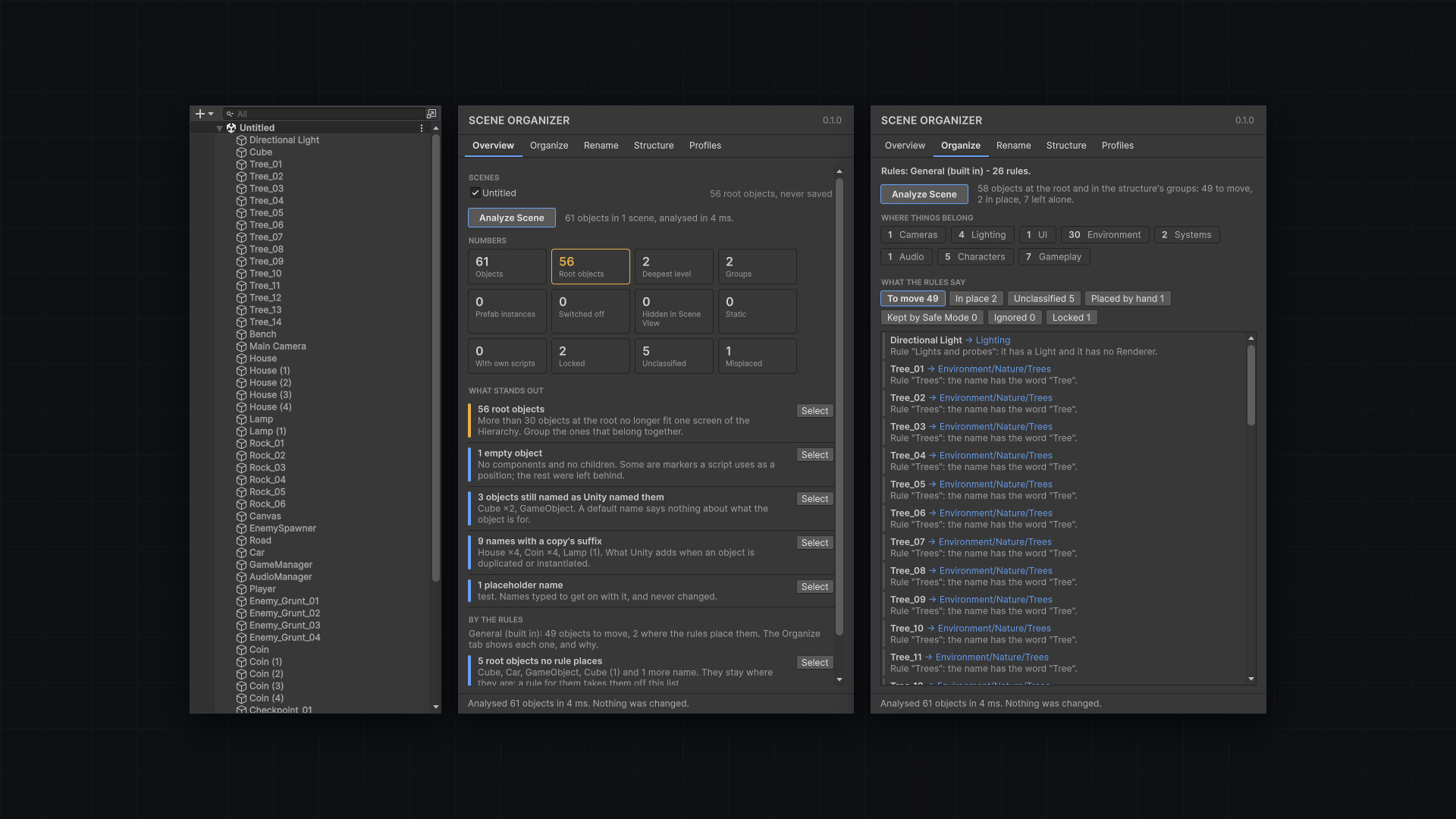
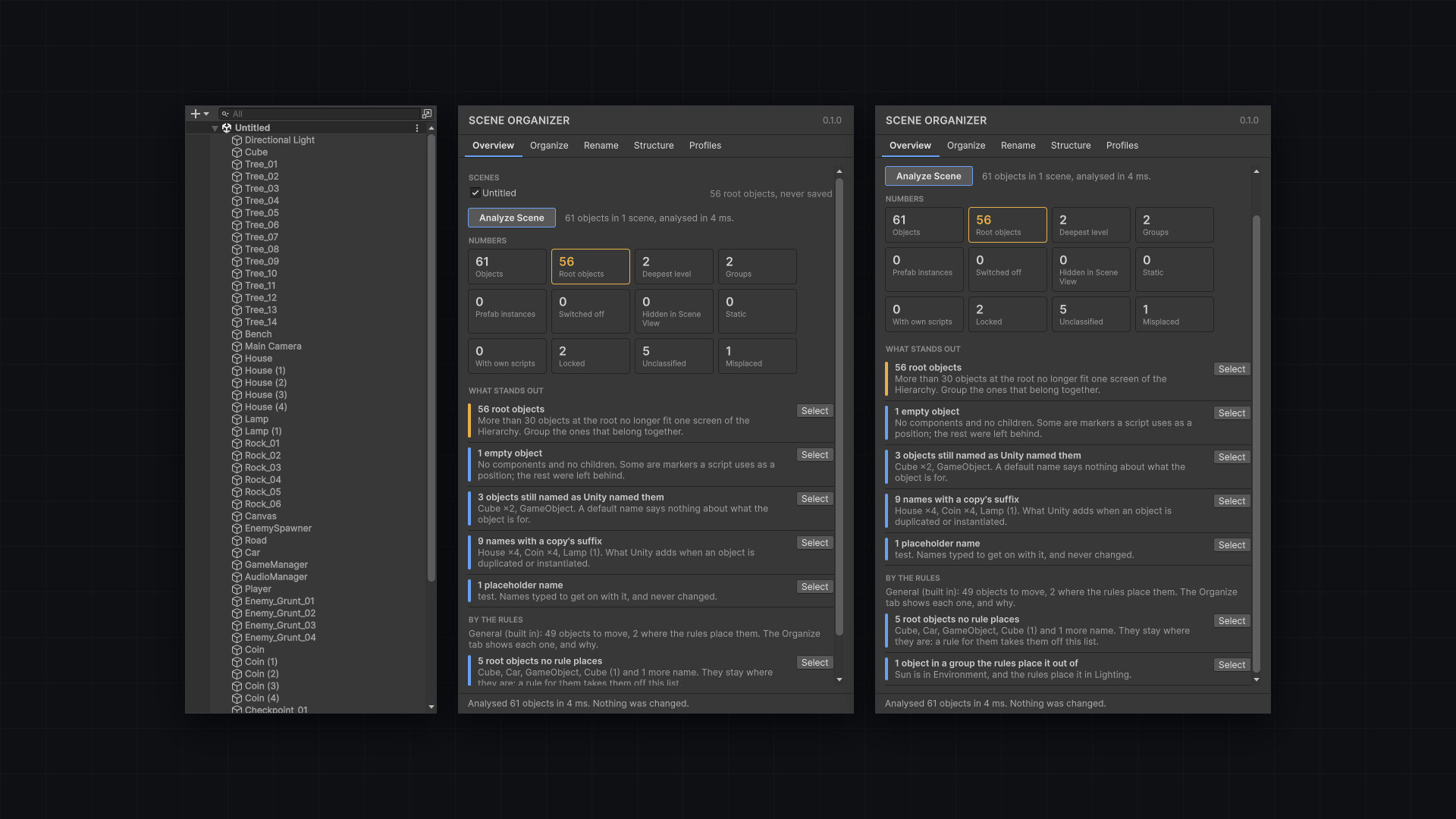
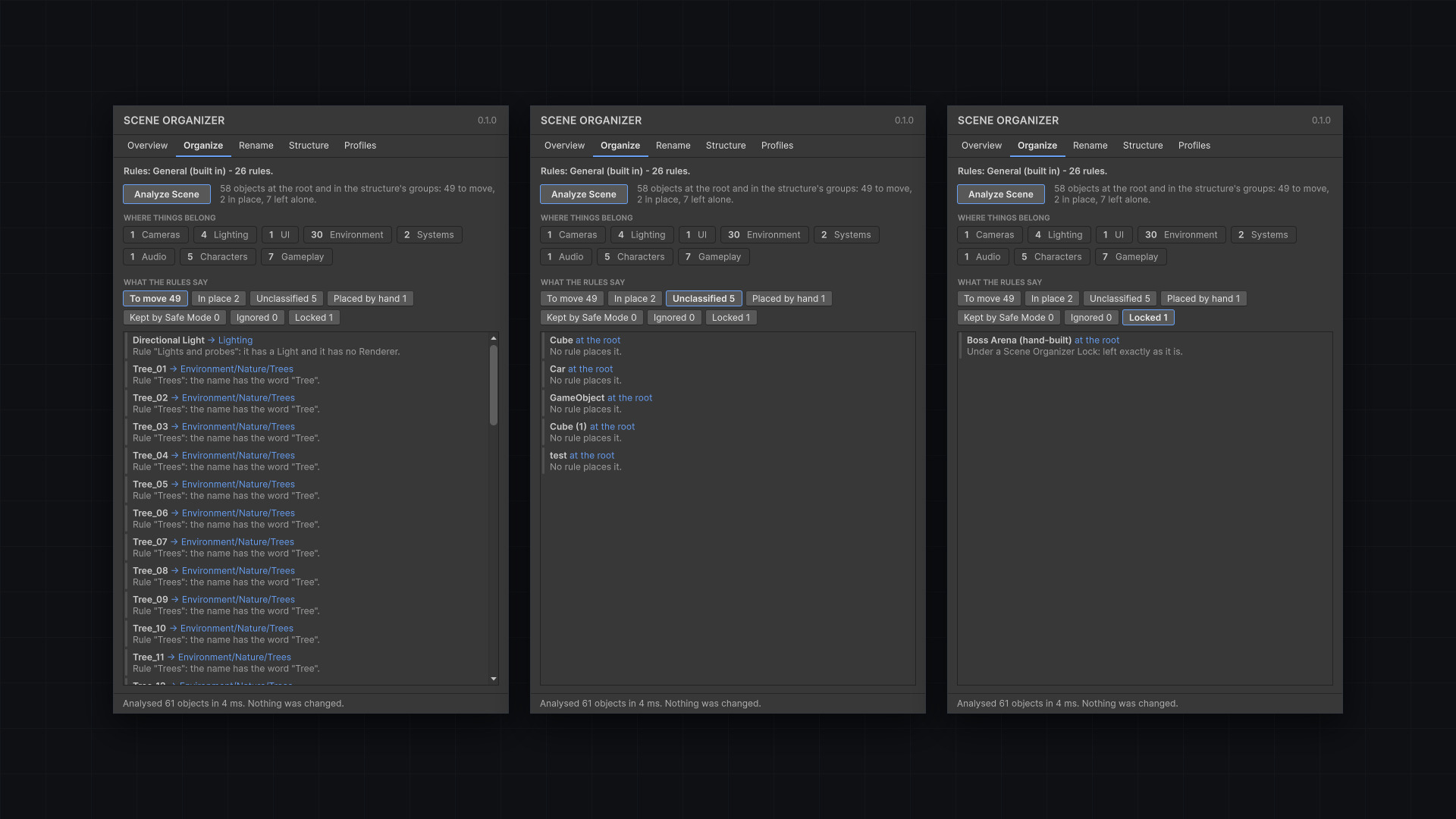
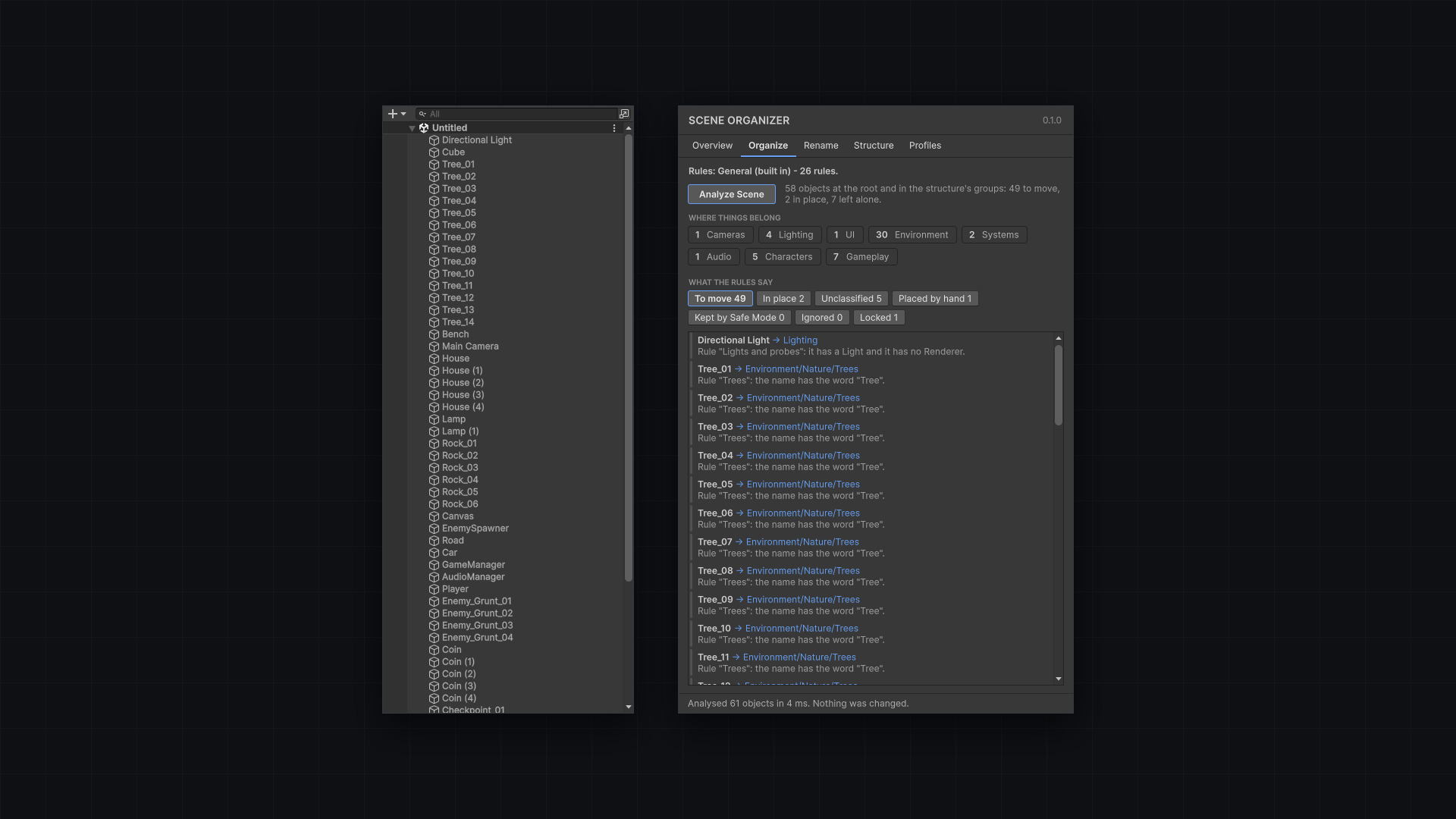
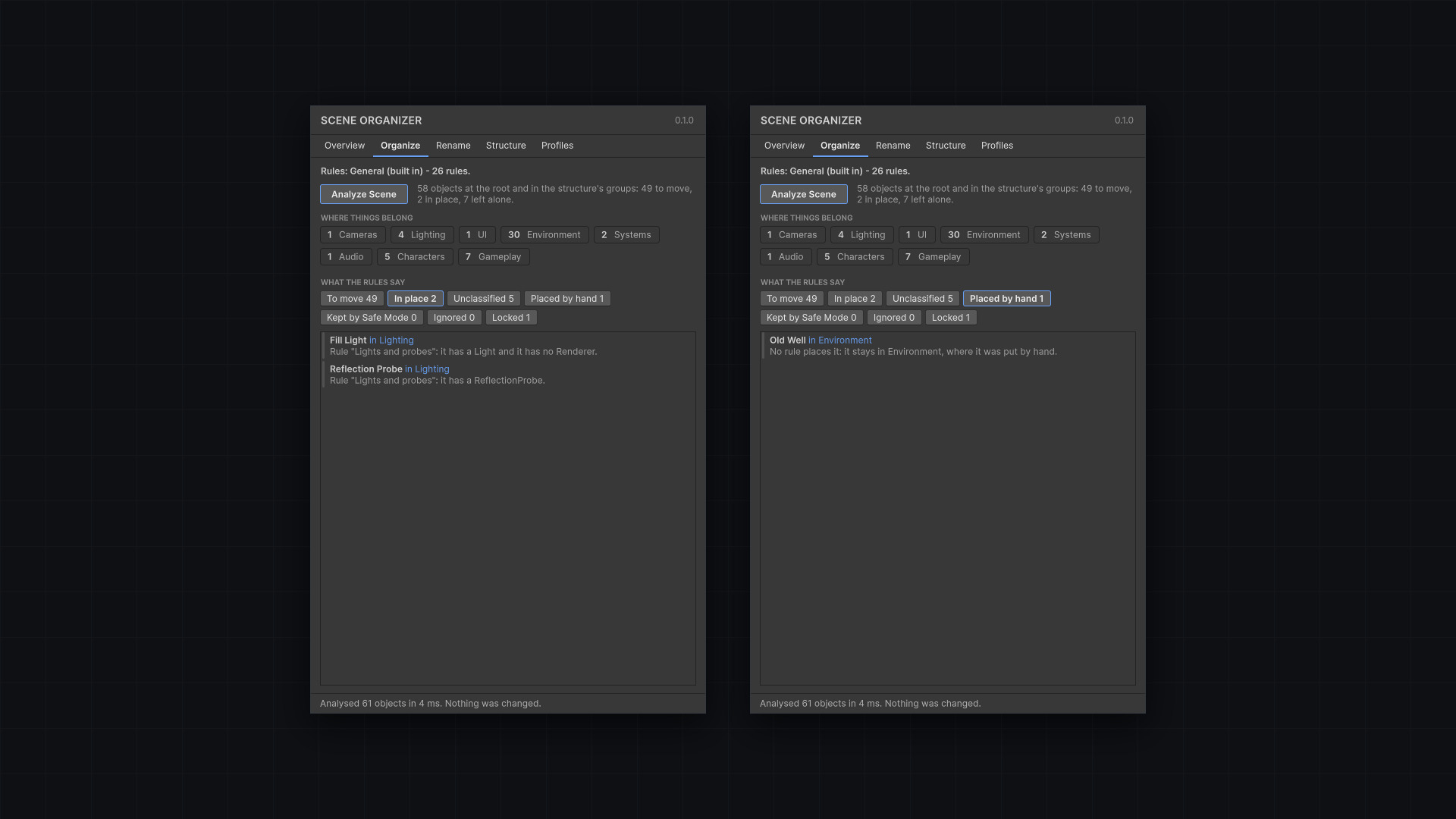
Scene Organizer is in development. Rules give each object a category and the reason; from them a plan is made — move, create, rename, remove — and the preview, the dry run and Apply all work from that one plan, so what is shown cannot differ from what is done.
- Version
- 0.1.0
- Unity
- Unity 6.3 (6000.3) or newer
- Render pipeline
- Any render pipeline
- Scope
- Editor-only
Rules, then a plan
Set the rules once, analyse a scene and look over what would change before anything moves.
One step
Apply is a single operation and a single Undo step.
Locks
A lock component covers an object and everything under it, and travels with the object into a prefab.
Profiles
Rule profiles are assets your team shares through version control.
Restore
A snapshot of the structure before every Apply, so it can be taken back — even the next day.
Nothing in a build
Marks are stripped from every scene a build takes. Prefab instances are never touched inside.
(02) Start here
Setup notes will be published with the first release.
(03) Good to know
- In development — features and interface may change before release.
Next plugin
CineOperator