Scene Doctor
Find, understand and safely fix problems across your Unity scenes.
(01) Overview
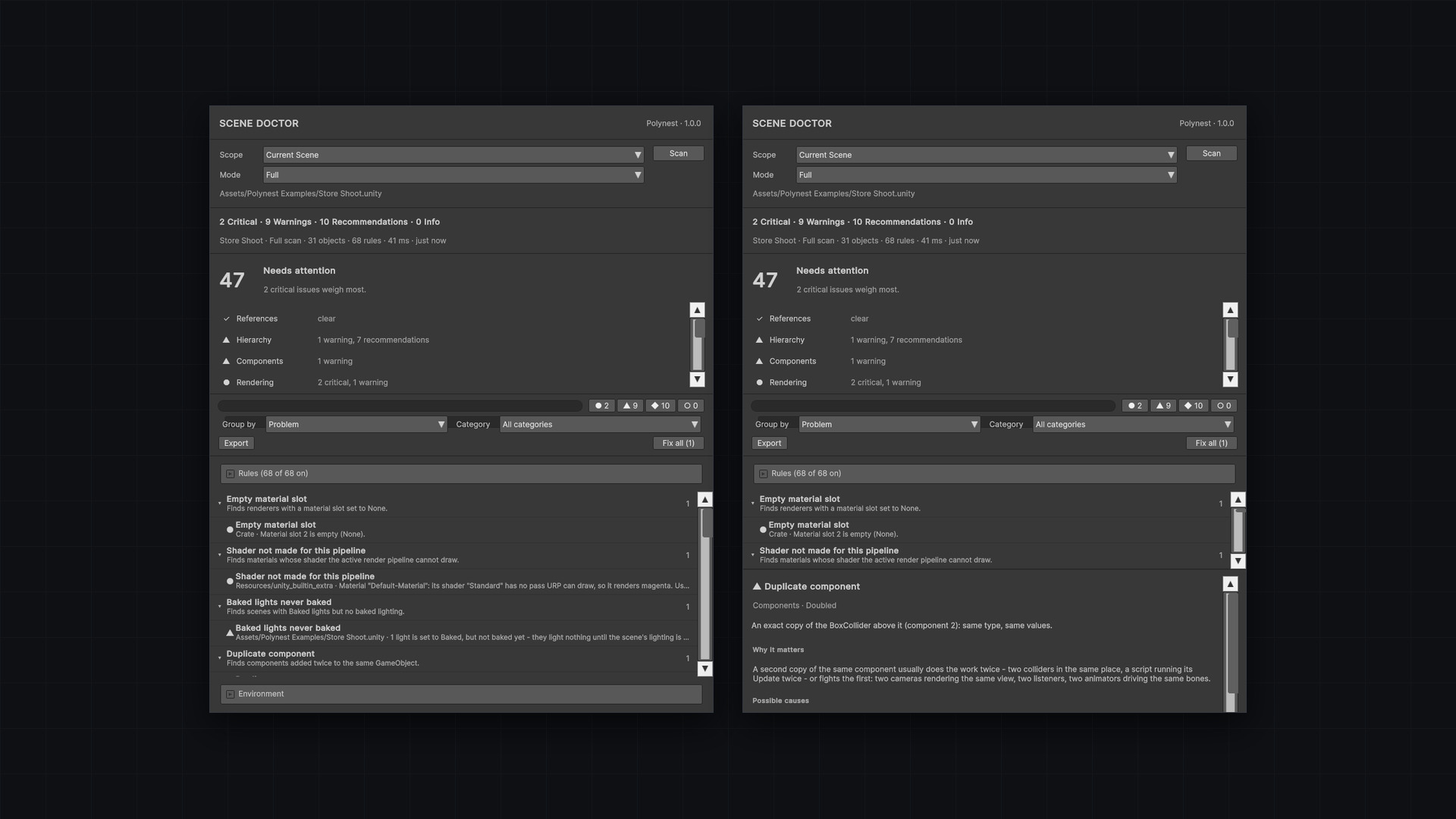
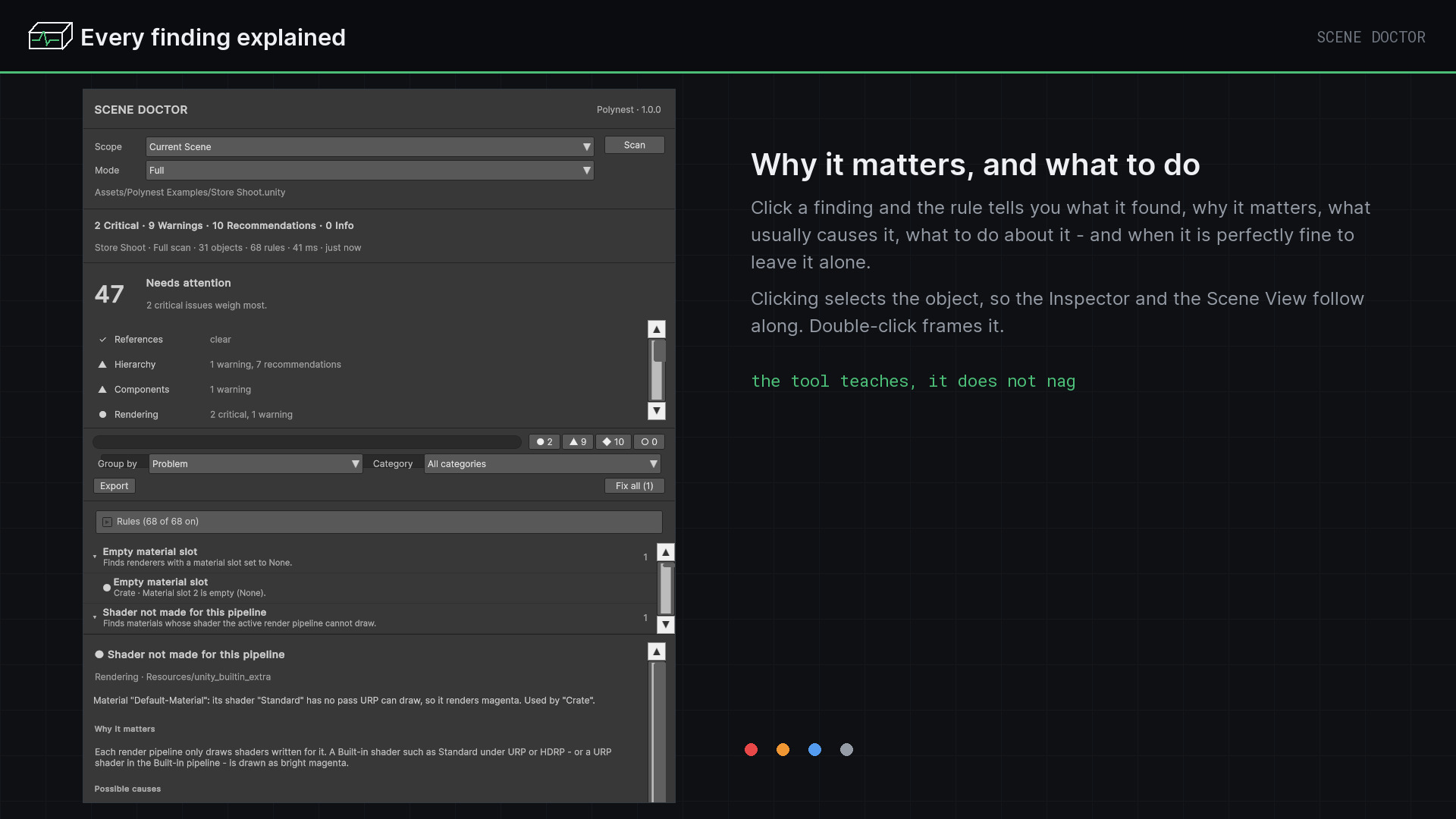
Scene Doctor scans your scenes for broken references, hierarchy and duplicate problems, rendering, lighting, physics, camera, audio and UI mistakes, prefab drift and build blockers. It explains every finding — what it is, why it matters, what to do, when to ignore it — and repairs the ones that can be repaired safely: always with a preview first, always as a single Undo step.
- Version
- 1.0.0
- Unity
- Unity 6.3 (6000.3) or newer
- Render pipeline
- Any render pipeline
- Scope
- Editor-only
- Open from
- Tools ▸ Polynest ▸ Scene Doctor
68 checks
Across 13 areas, each with its own explanation and, where it makes sense, its own repair.
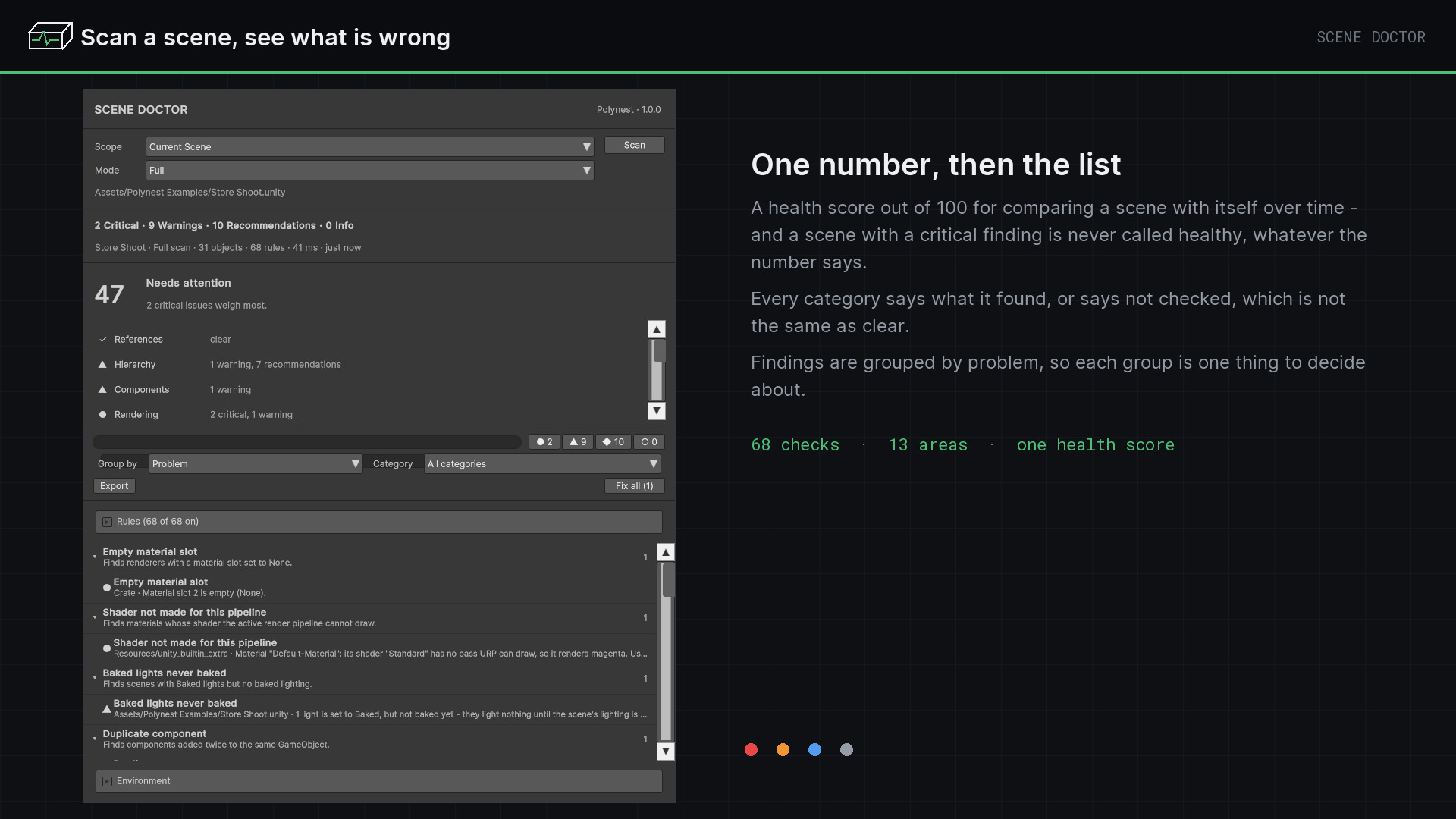
A health score
Out of 100, so a scene can be compared with itself over time — a critical finding never reads as healthy.
A list you can work through
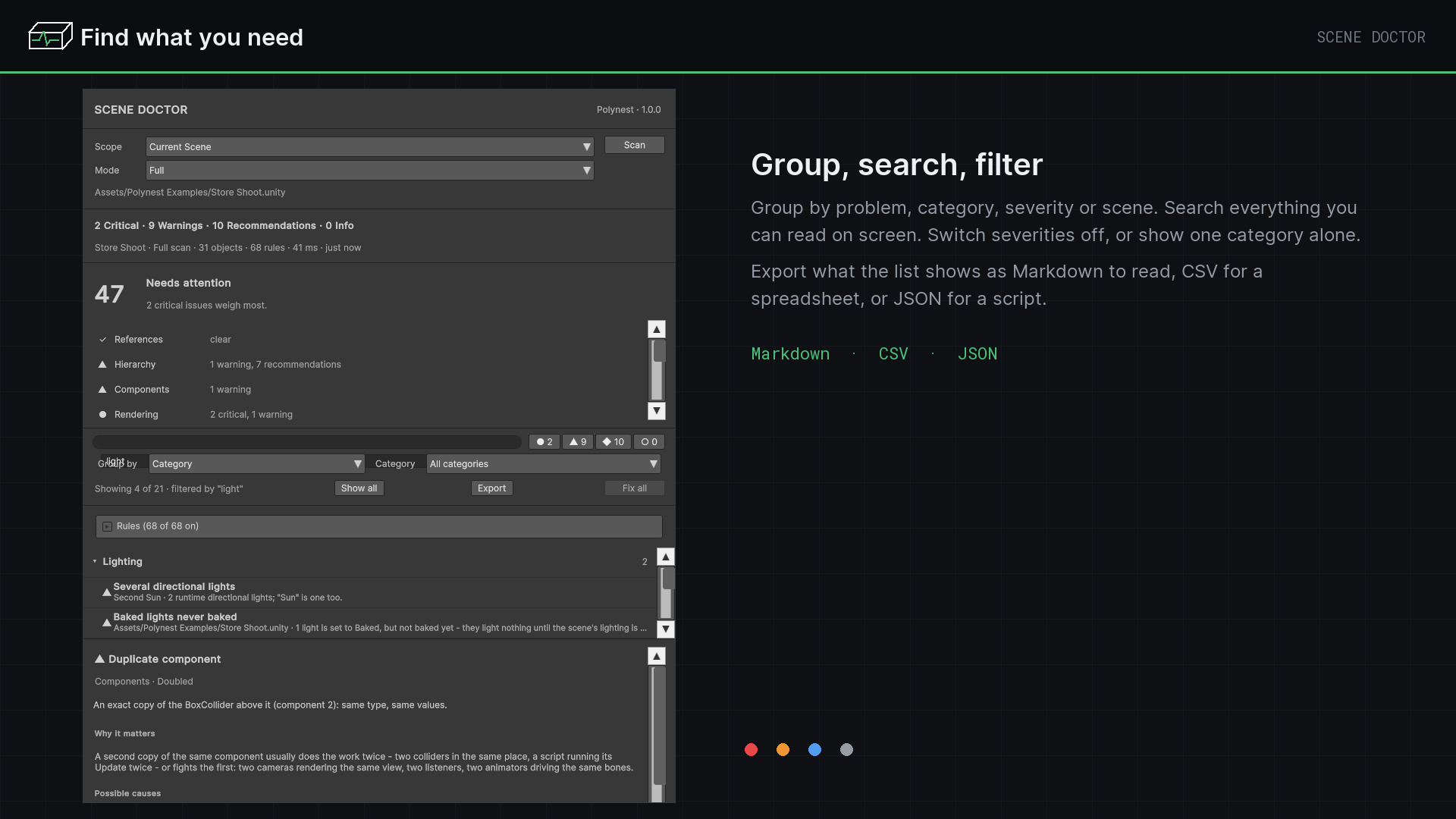
Grouped by problem, category, severity or scene, searchable, with the object selected as you click.
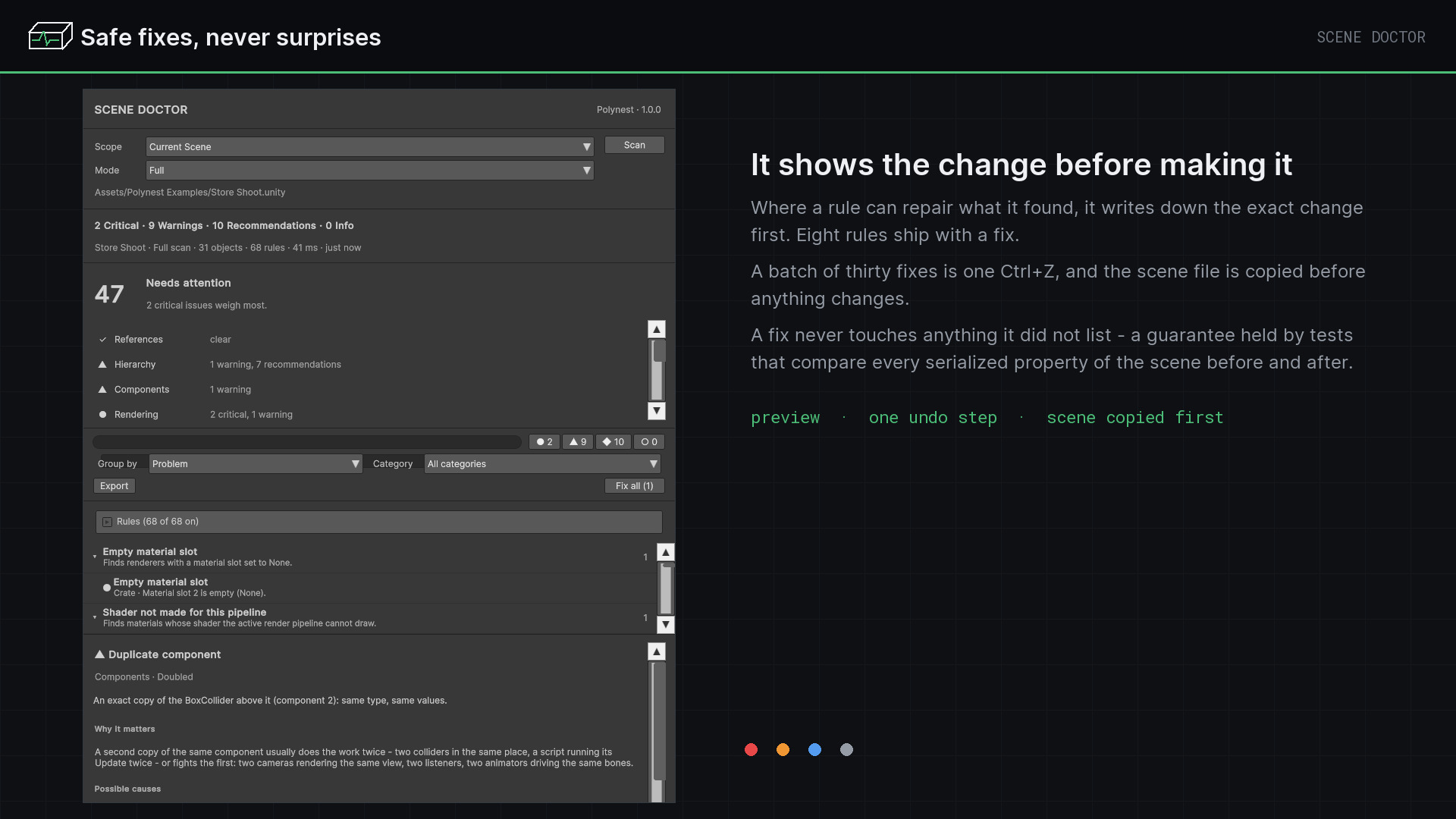
Safe fixes
Eight rules repair what they find, each showing the exact changes first. The scene file is copied before anything changes.
Decisions that stick
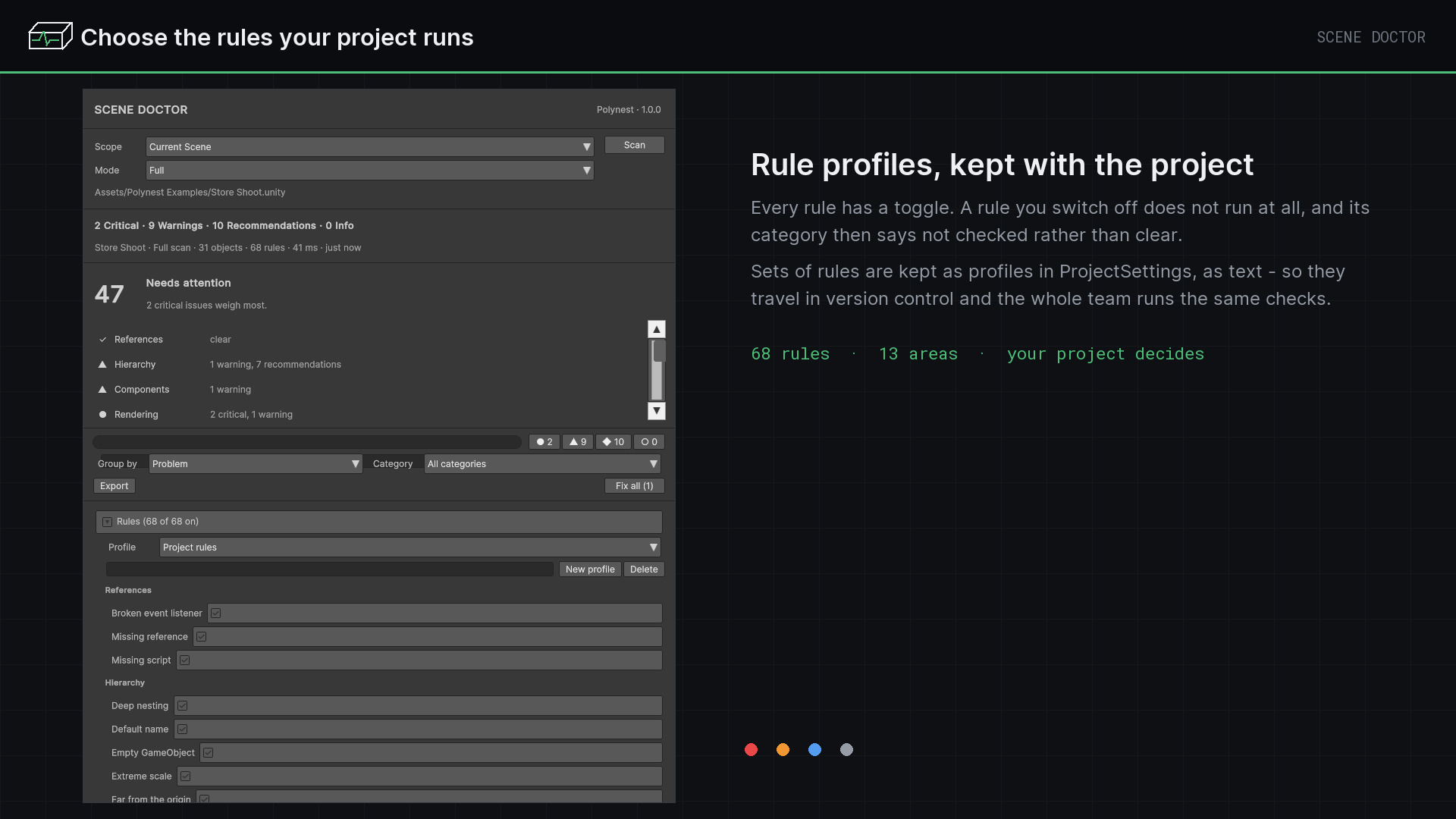
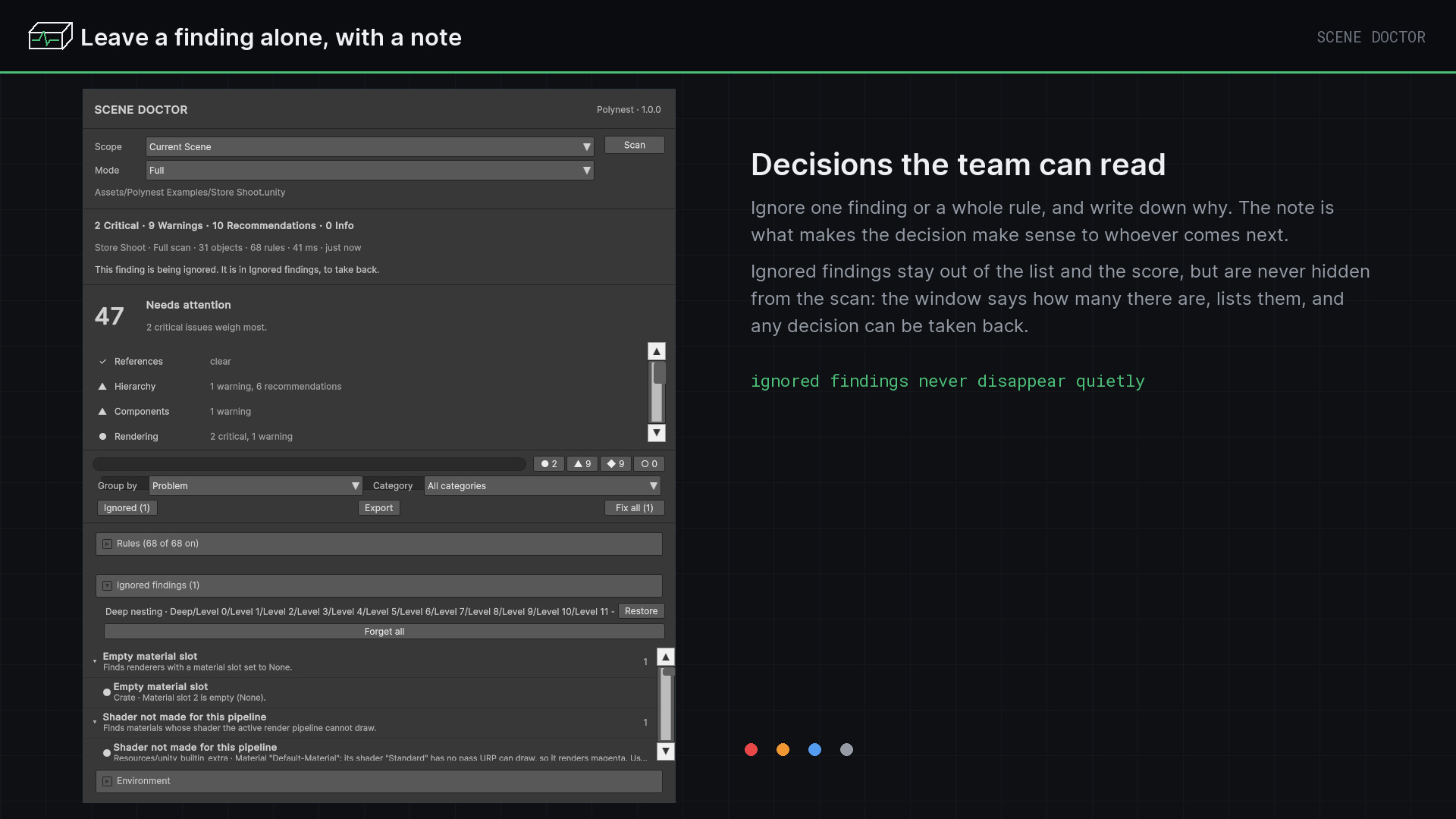
Ignore a finding or a whole rule with a note, and choose which rules your project runs through rule profiles.
In the Scene View
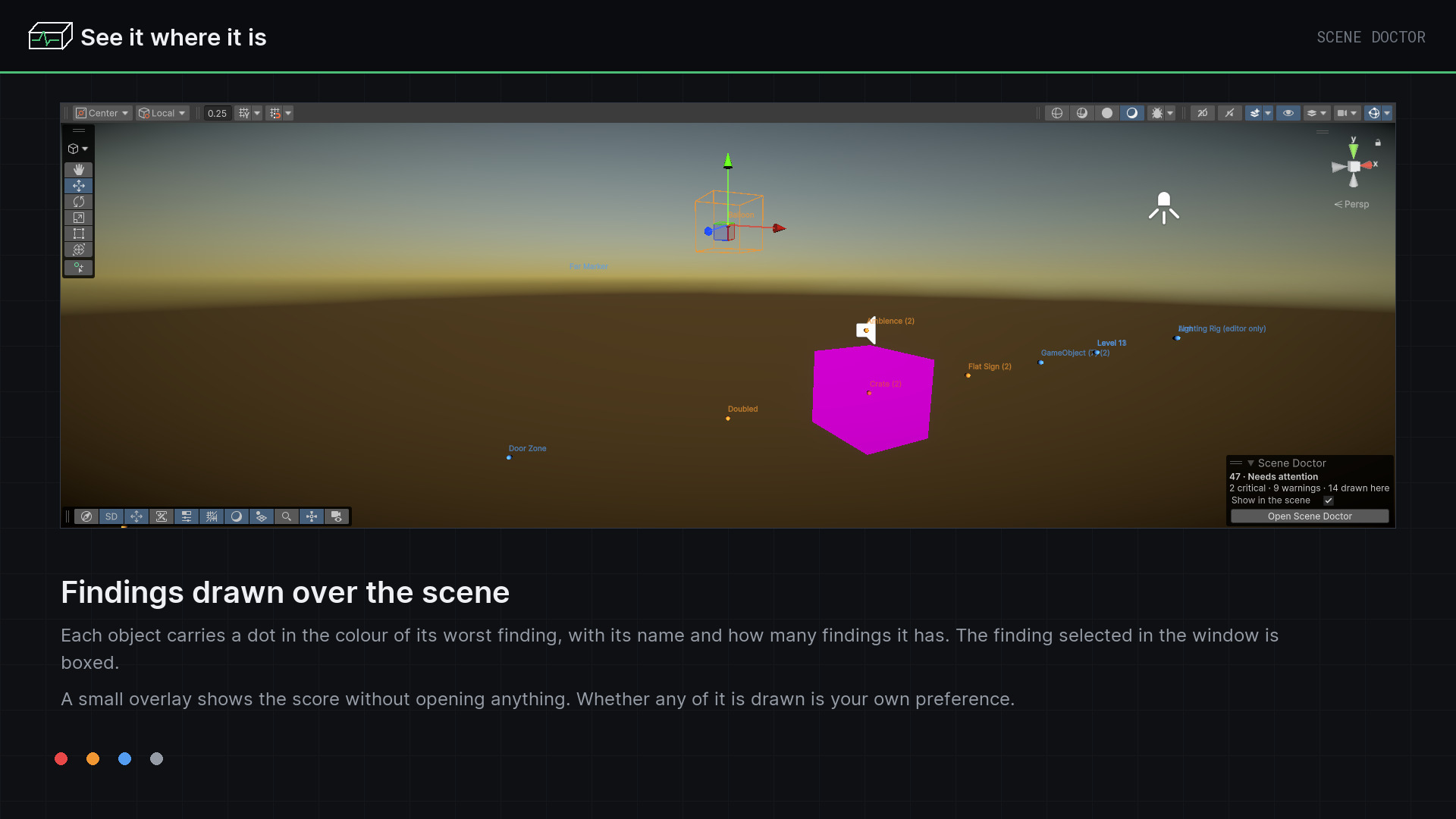
Findings drawn where they are, and a small overlay with the score.
Reports
Export in Markdown, CSV or JSON.
(02) Start here
- 1
Open Tools ▸ Polynest ▸ Scene Doctor, choose a scope and press Scan.
- 2
Read the score, then work down the list. Click a finding to see everything the rule knows about it.
- 3
Fix what can be fixed, ignore what does not apply to your project, and export the rest.
(03) Good to know
- Adds nothing to your build: no runtime code, no components, no assets in your scenes.
- Changes nothing until you ask. Scans are read-only.
- Needs no other package. URP, uGUI and AI Navigation checks appear when those packages are installed.
Next plugin
Scene Organizer