Level Builder
Place, paint and arrange prefabs in the Scene View — and build a level in minutes rather than an afternoon.
(01) Overview
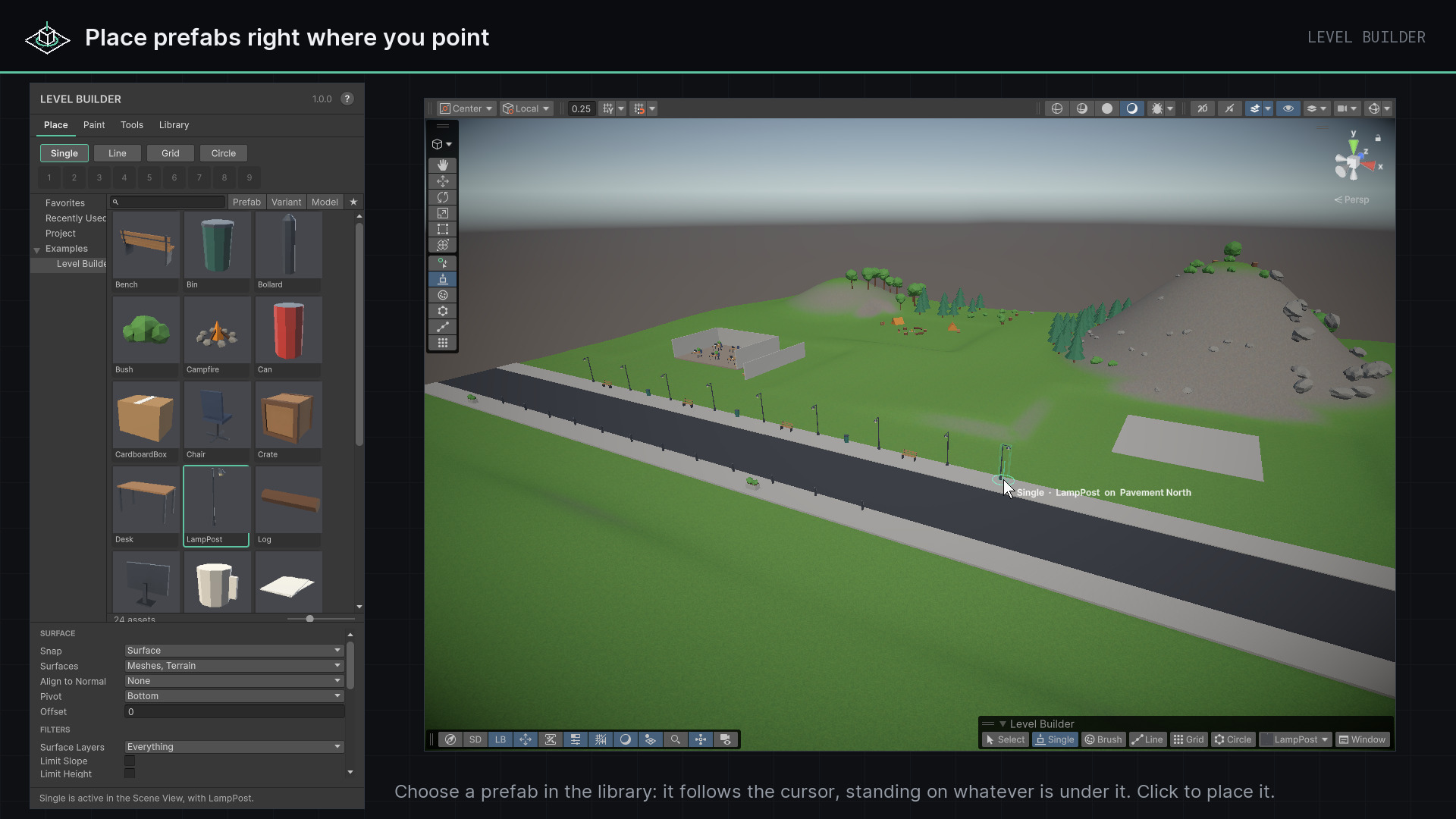
Level Builder turns the Scene View into a level-building tool. Pick an asset from a library of everything placeable in your project, and it stands at the cursor exactly as it will be placed — on the surface under it, leaning with it if you ask, refused with the reason where your rules say no. Everything placed is a linked prefab instance, grouped and named in order, and every action is one step for Undo.
- Version
- 1.0.0
- Unity
- Unity 6.3 (6000.3) or newer
- Render pipeline
- Built-in, URP and HDRP
- Scope
- Editor-only
- Open from
- Tools ▸ Polynest ▸ Level Builder ▸ Open Level Builder
A library
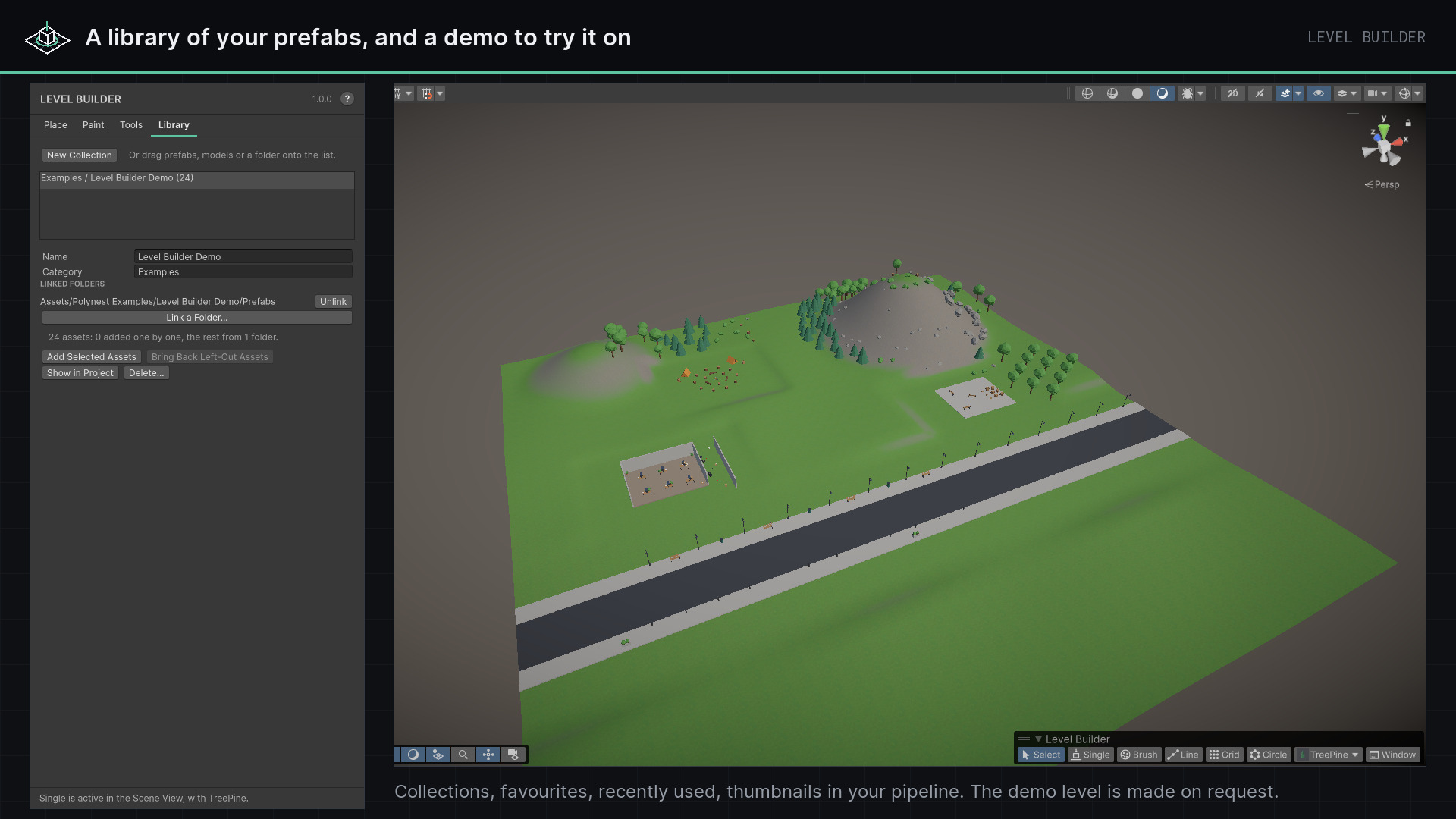
Every prefab, variant and model in the project, with thumbnails, search, favourites, recently used and your own collections.
Five modes
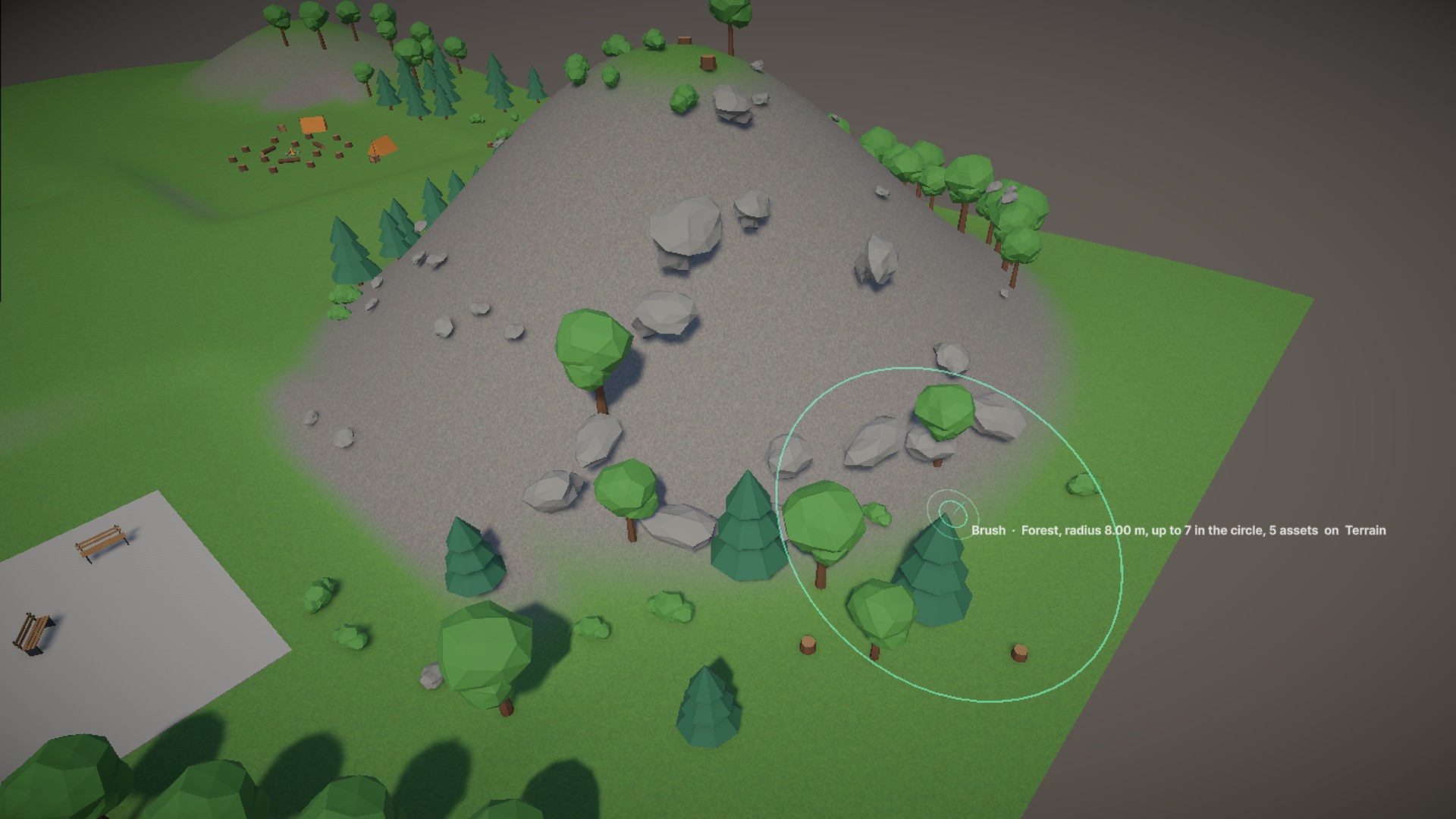
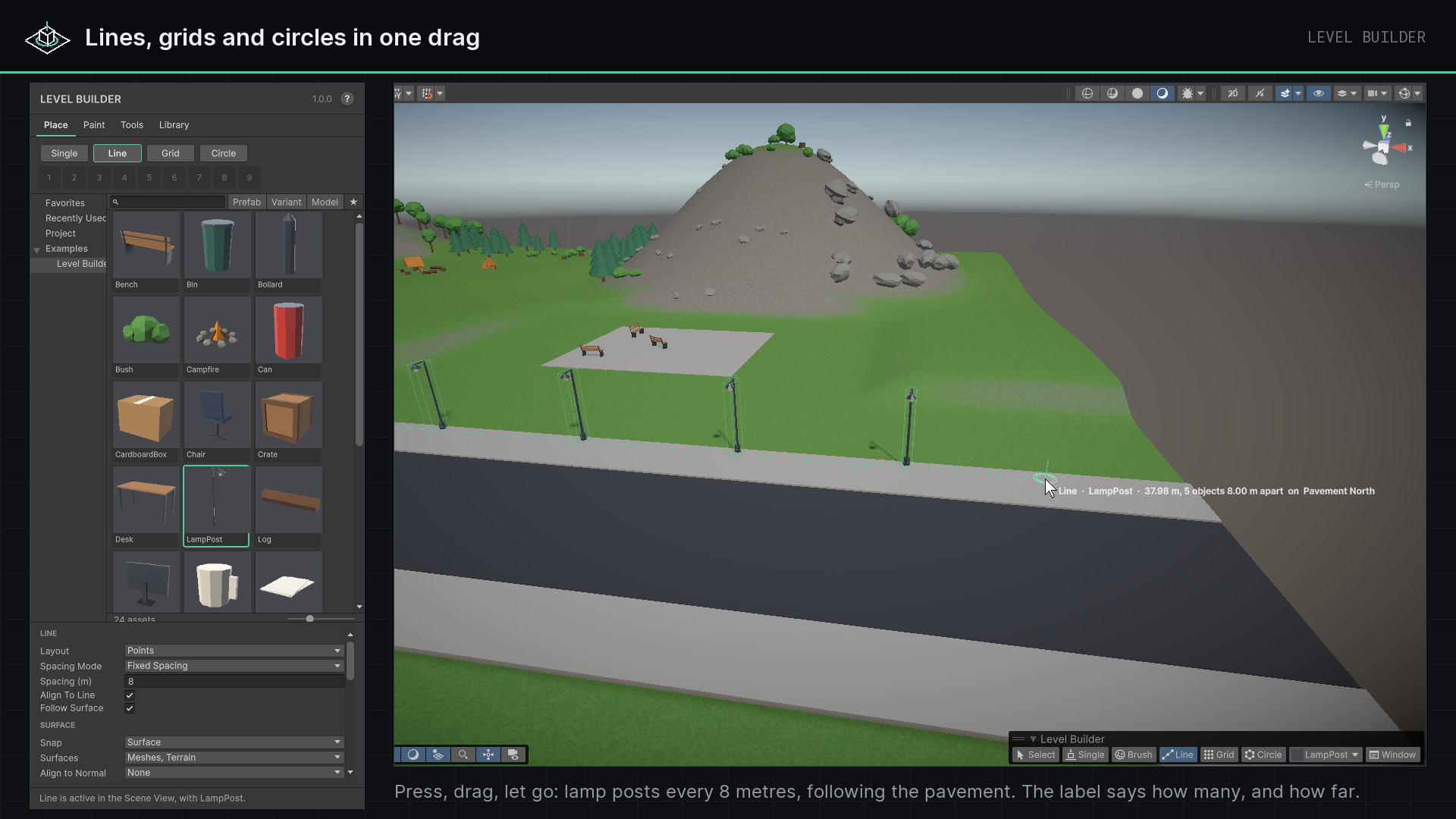
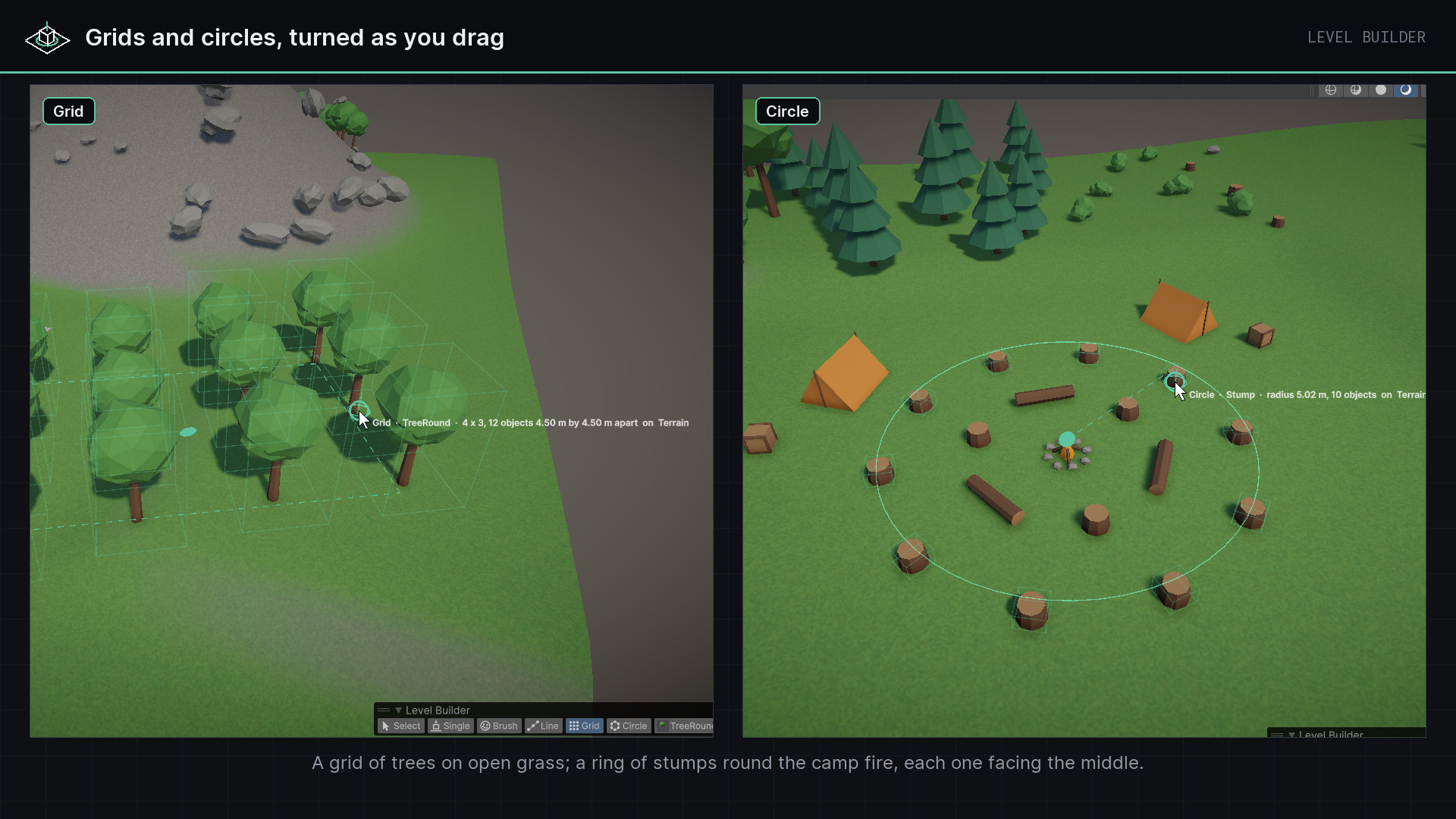
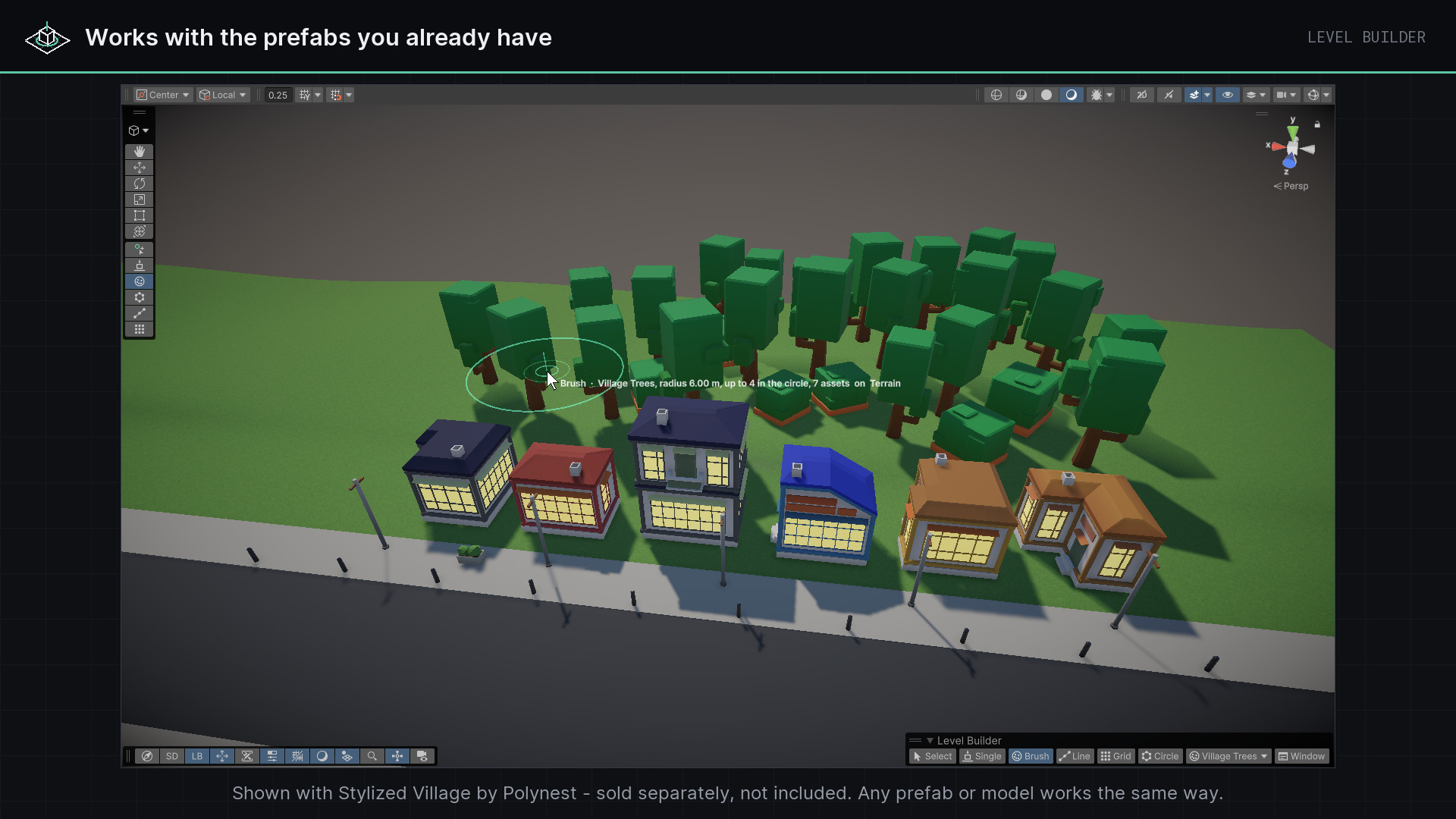
Single, Line, Grid, Circle and Brush — posts and fences, desks and tiles, arcs, and painting with density and a least distance.
Surfaces as you see them
Visible meshes with or without colliders, colliders and terrains. Snap to any surface, to ground only, or to the grid.
Rules
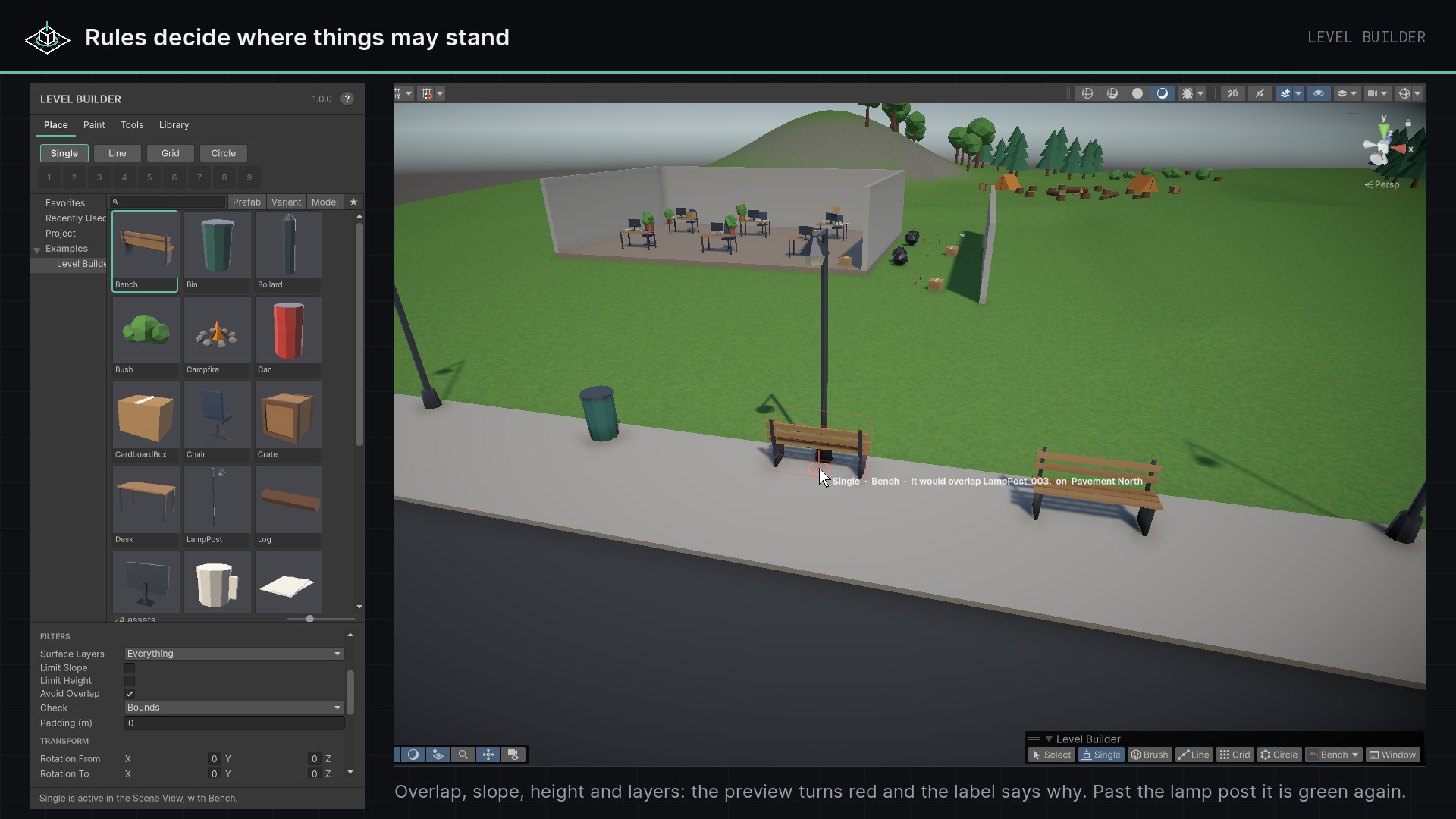
Surface layers, slope, height and overlap, checked before anything is placed. A refused object shows red with the reason at the cursor.
Brushes as assets
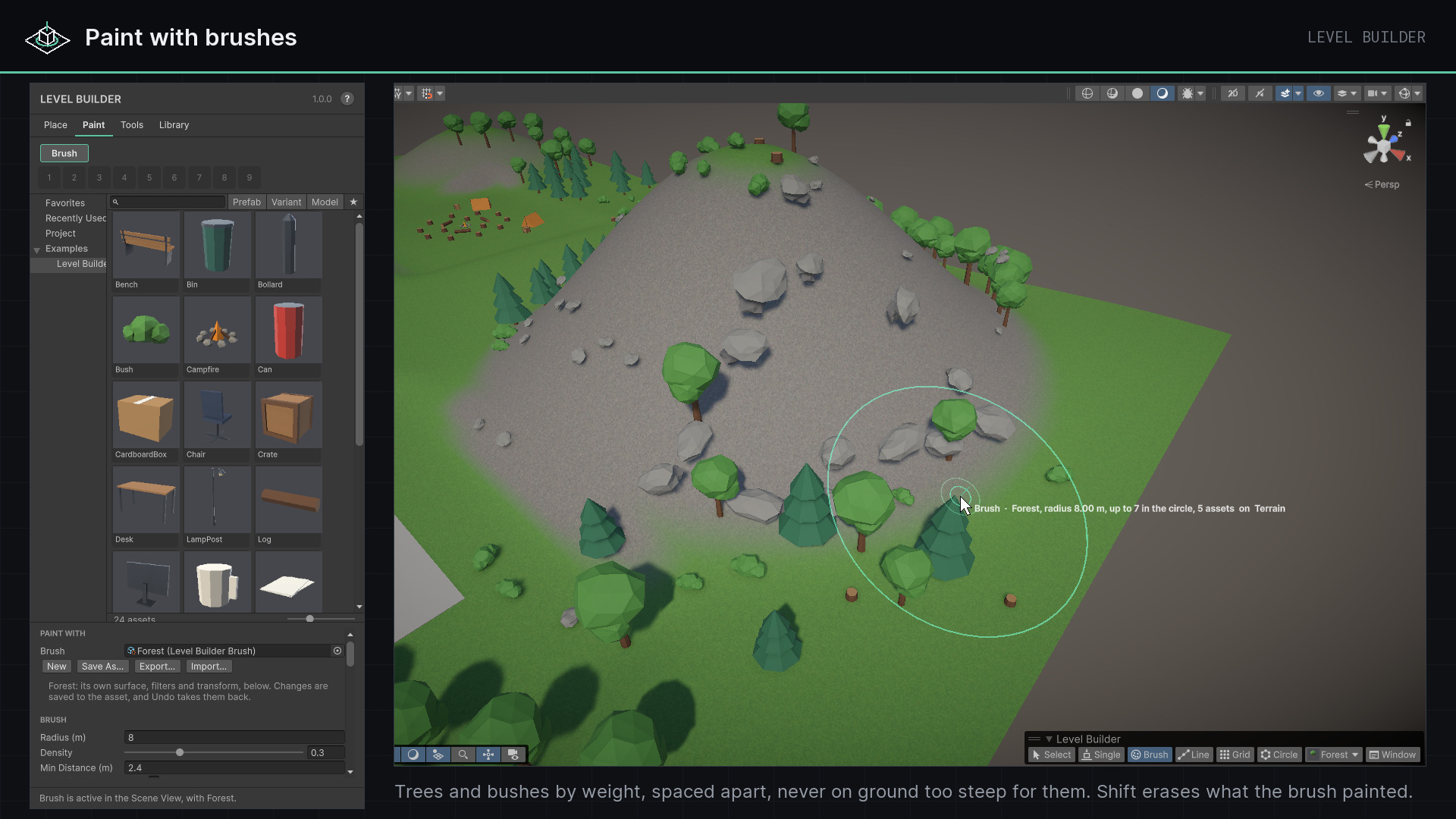
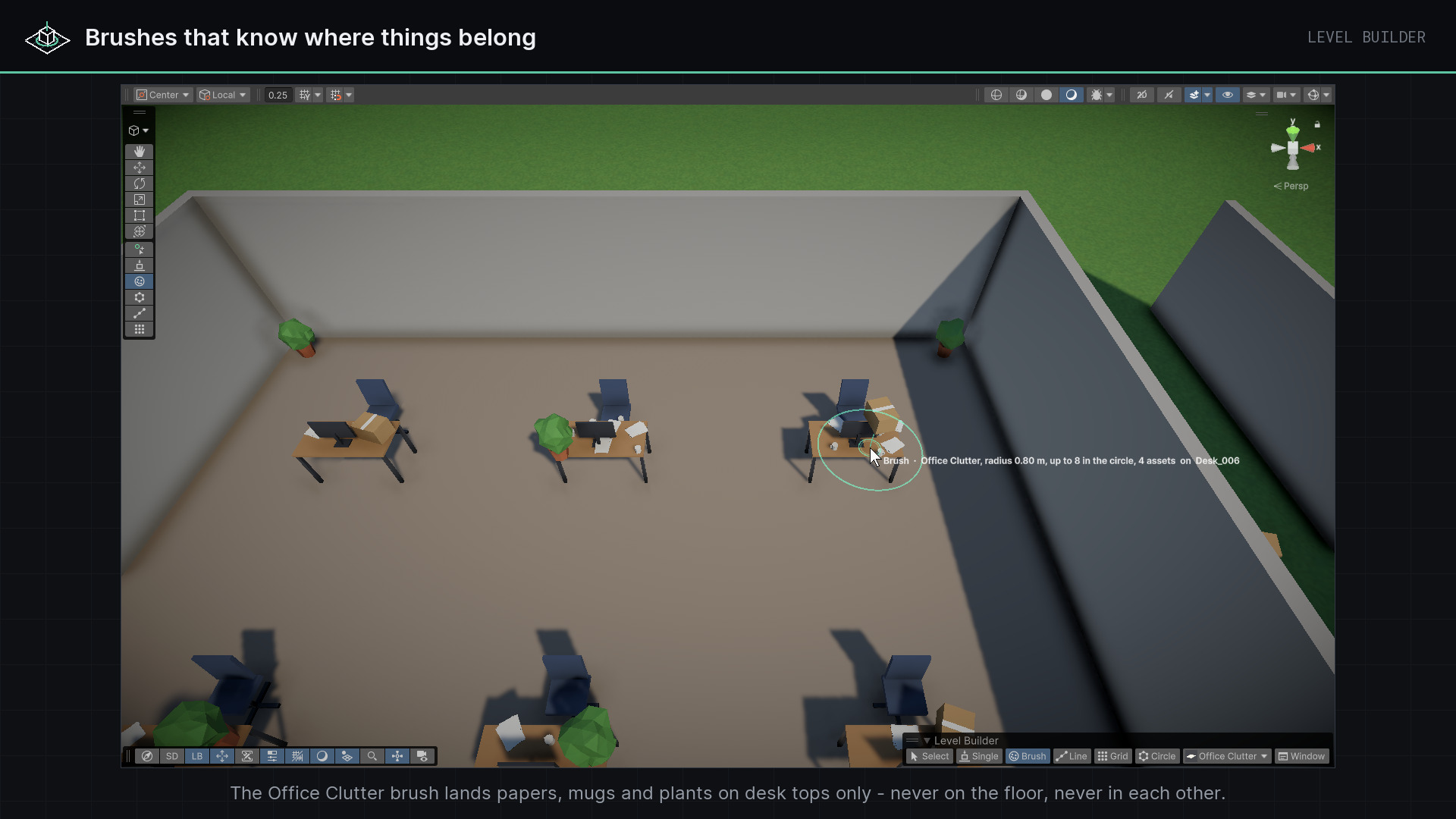
Forest, Rock Field, Office Clutter — brushes carry their assets, weights, rules and variation to another project.
Tools on the selection
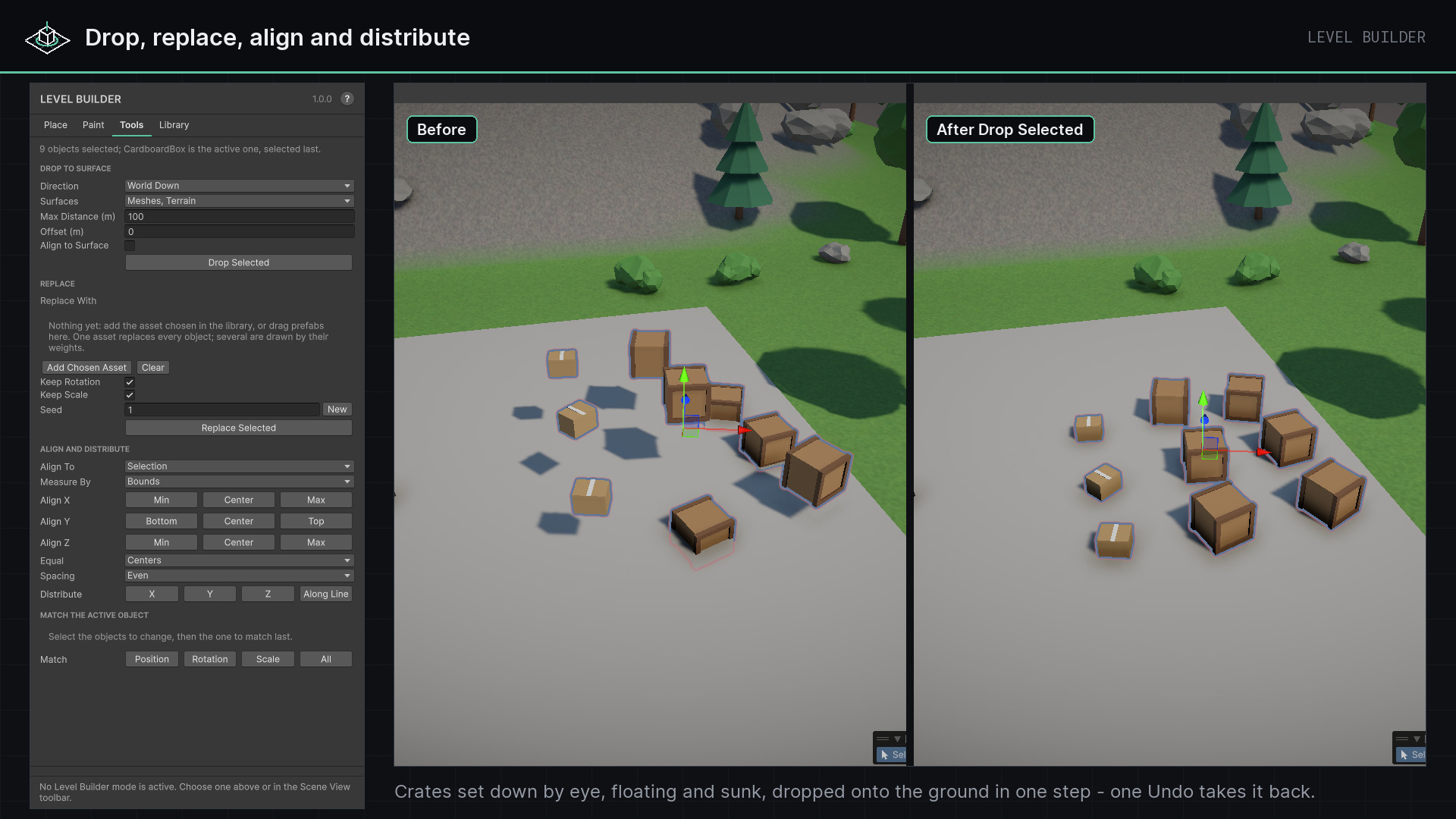
Drop to Surface, Replace, Align, Distribute and Match.
Fast hands
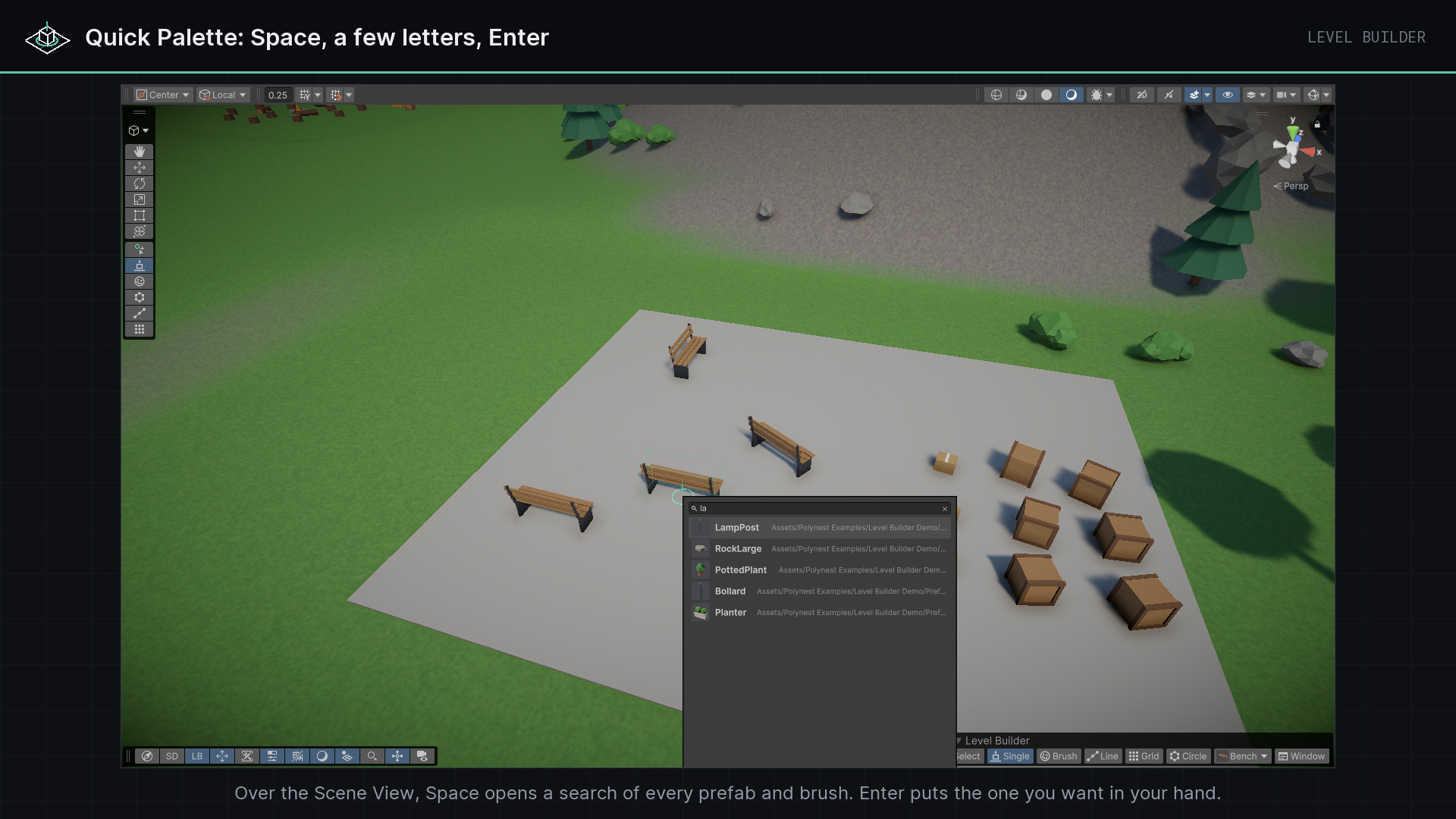
A Quick Palette on Space, a nine-slot hotbar, rebindable keys for turning, flipping and scaling.
(02) Start here
- 1
Open Tools ▸ Polynest ▸ Level Builder ▸ Open Level Builder.
- 2
Press Single, click an asset in the library and move the mouse over the Scene View. Click to place it; drag sideways to turn it first.
- 3
For a ready-made playground, Create Demo Scene makes 24 props, six brushes and a small level in your project's own render pipeline.
(03) Good to know
- Adds nothing to your build: every script is editor-only, and what it places is ordinary prefab instances.
- Touches no project settings and needs no other package. Nothing is created until you use it.
- Areas filled by rule, splines and fences, modular building with sockets and rules by terrain texture come in later versions.
Next plugin
Light Studio